



I’m not sure if I’m blind or crazy haha. I did the following when setting up a new landing page for users to ask the experts questions on a new app we have.
- DCS buttons shown on the top right of landing page
- channels with 2 assigned experts (including myself)
- notifications set up for questions that are added to channels
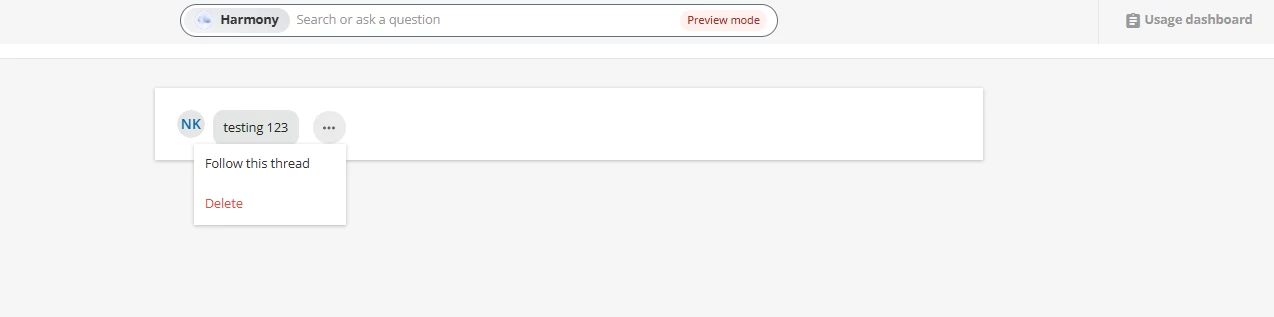
When I did a test question, the notification pops up, but when I click on it to answer, there is no “answer/reply” button. There are only 3 dots with the options to delete question or follow the question thread.
How do I enable experts to answer questions?
Update:
I thought I somehow fixed my own problem but now I am unsure.
I was messing around with my CSS code for the page after postign this question (used a css code through FarkTools) and all of a sudden, I was able to answer questions. I don’t know how or why, but that was the only thing I was modifying after asking this question. Maybe 30 min later, the answer function is gone again….

