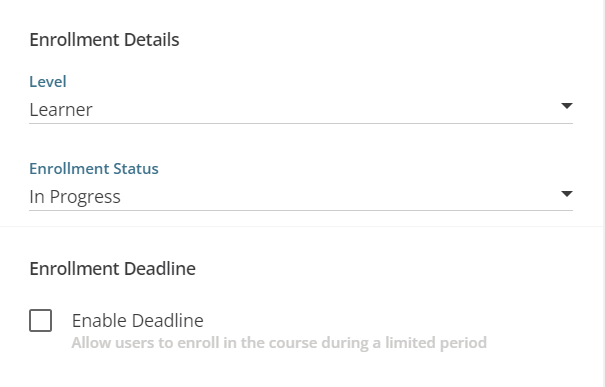
When I set up an Enrollment Deadline, will the user get reminders as the deadline approaches and when the deadline has passed? I don’t want the users to get bombarded by a ton of reminder emails. When a user is In Progress, what happens if I set an Enrollment Deadline?
Best answer by agreen3225
Hello @lilyschlossin,
I do not believe it will send a notification unless you have created a “Course has Expired” notification for it. I put the KB article on the different notifications available.
I do not believe it will send a notification unless you have created a “Course has Expired” notification for it. I put the KB article on the different notifications available.
I do not believe it will send a notification unless you have created a “Course has Expired” notification for it. I put the KB article on the different notifications available.
correct..and if you want to send reminders at different times (e.g.: 2 weeks before due date, day before due date, day after due date), each one has to be separate notification. Also note that it cannot be set to go out ON the due date. The only notif that does that is the one called Learner has yet to complete course (which is based on the enrolment date, not the due date)