Question

enter pre and post test scores

  • March 18, 2025
  • 5 replies
  • 40 views

Need to update pre and post test scores and enter a completion date in the past.  Is this possible?  

5 replies

lrnlab
Hero III
Forum|alt.badge.img+10
  • Hero III
  • March 18, 2025

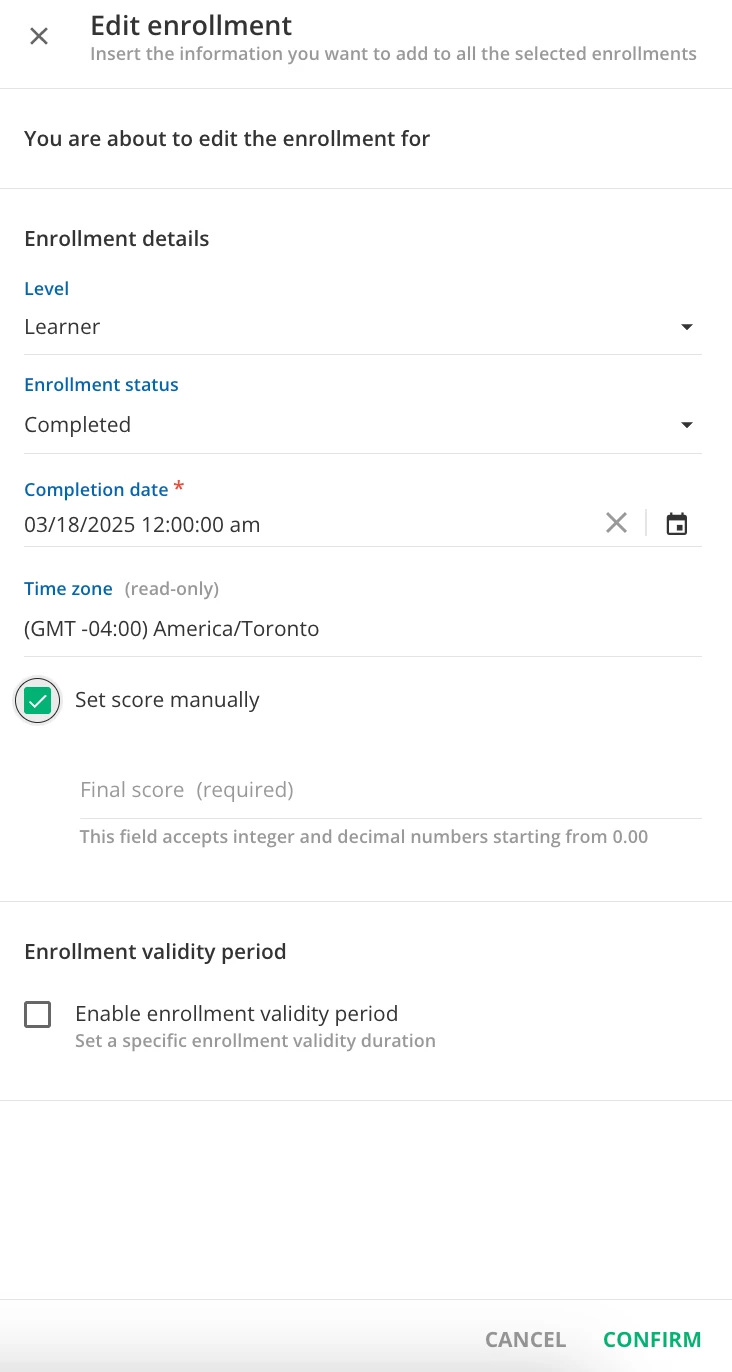
You can update the status and score (if marked as completed) for a course using the “edit enrolment” option for the user.


  • Author
  • Novice I
  • March 18, 2025

Thank you ​@lrnlab.  Is ticking “Set score manually” box going to allow me to enter the test score for the pre and post test?


lrnlab
Hero III
Forum|alt.badge.img+10
  • Hero III
  • March 18, 2025

What I showed above is just for the overall course score.

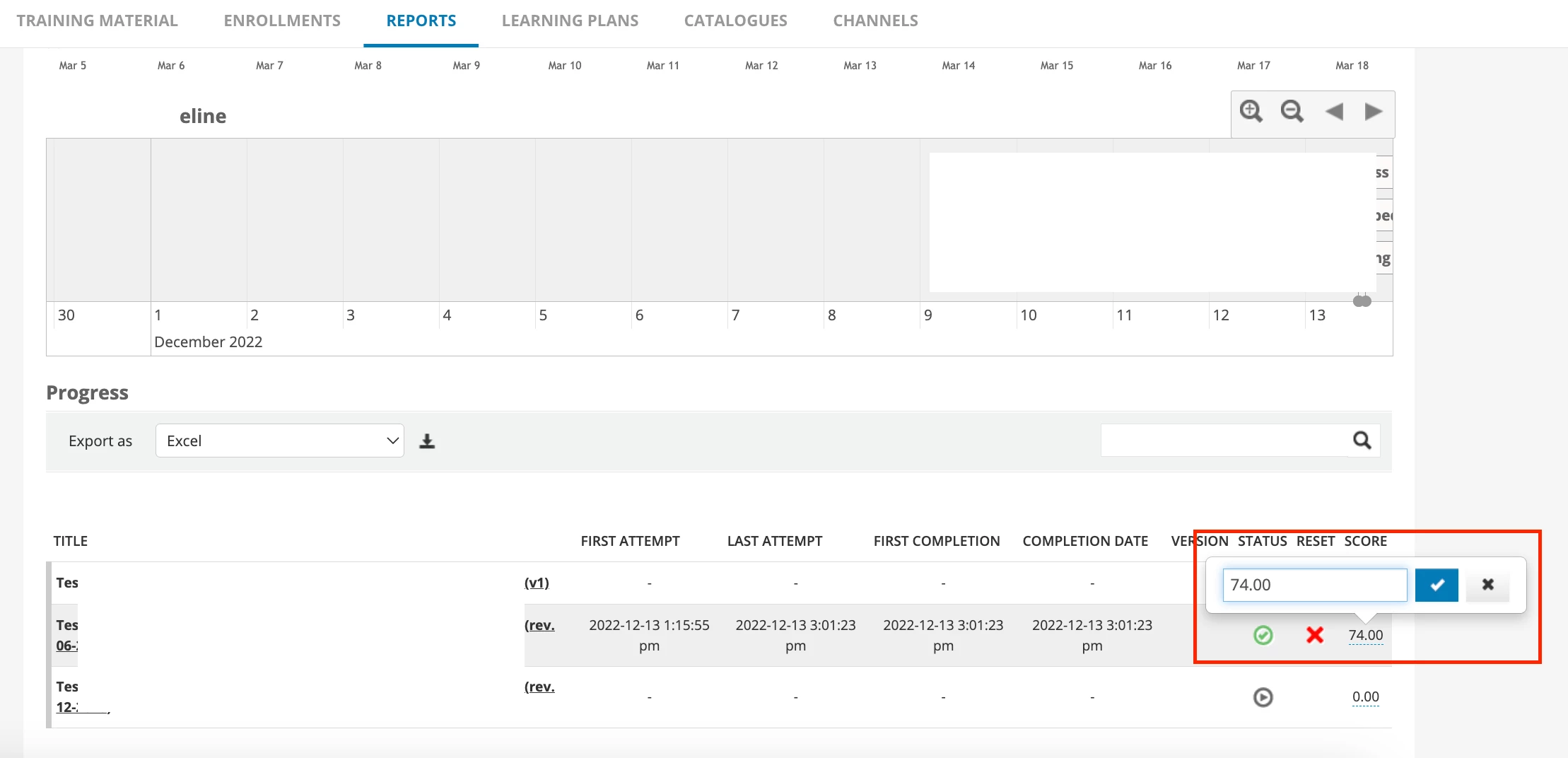
To change the individual test scores (assuming this is a native Docebo test) you can go the Reports tab.

  • Click on the user you wish to update
  • You will see the learning objects
  • Click the “Score” at the end of the row for each test
  • You will be able to update/change the final score of that object.


  • Author
  • Novice I
  • March 18, 2025

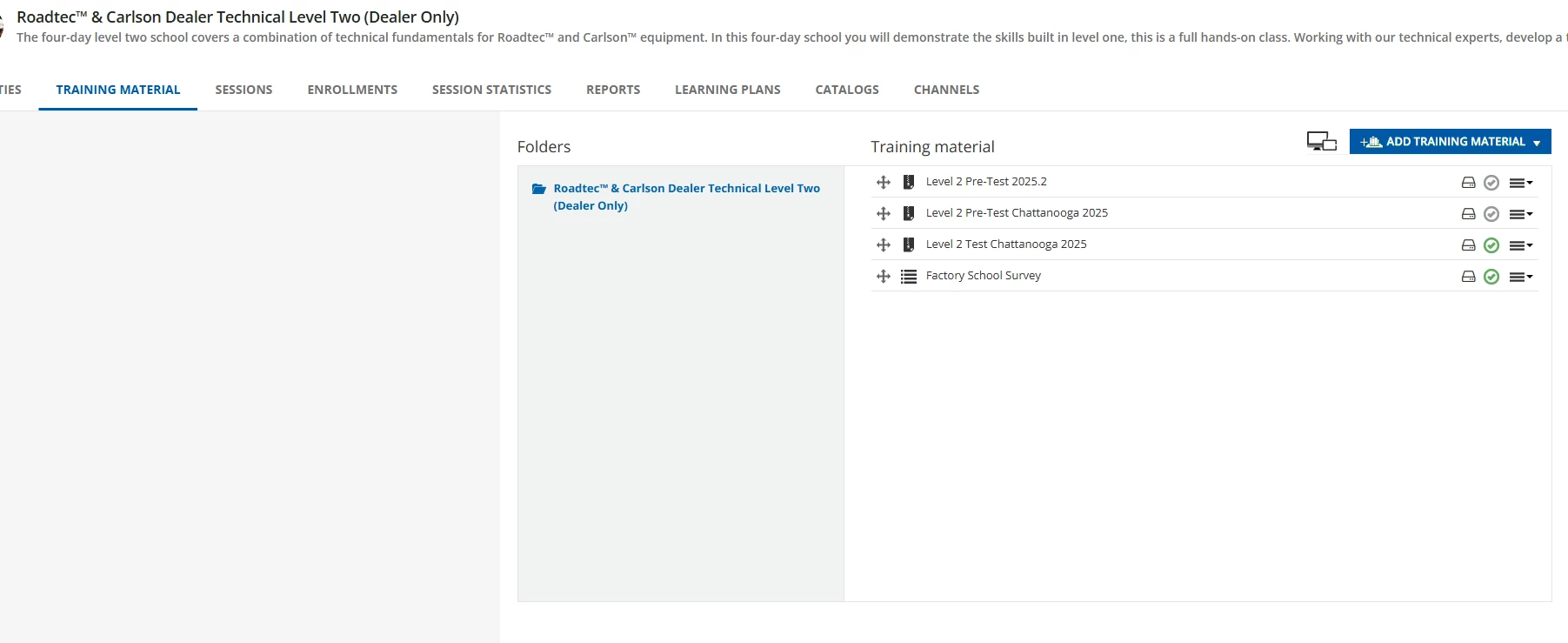
@lrnlab what if its a scorm test that we created and uploaded?  can we update scores and date via a csv or any other upload tool?  do you know?

Thank you!


lrnlab
Hero III
Forum|alt.badge.img+10
  • Hero III
  • March 18, 2025

you should be able to follow the same process. There is no way to update this via CSV