

SOLVED:
Scratch that - I’ve spotted the folders show as content items in their parent folder - that is not immediately obvious to a new comer!
Hey-ho every day is a learning day :-D
-------------------------------
I have an elearning course and have added a couple for folders for training material - however I can’t do anything with them other than add content via the main add content button.
They are noneditable, removeable, orderable etc. which is not what I was expecting according to https://help.docebo.com/hc/en-us/articles/360020080300-Creating-and-Managing-E-learning-Courses.
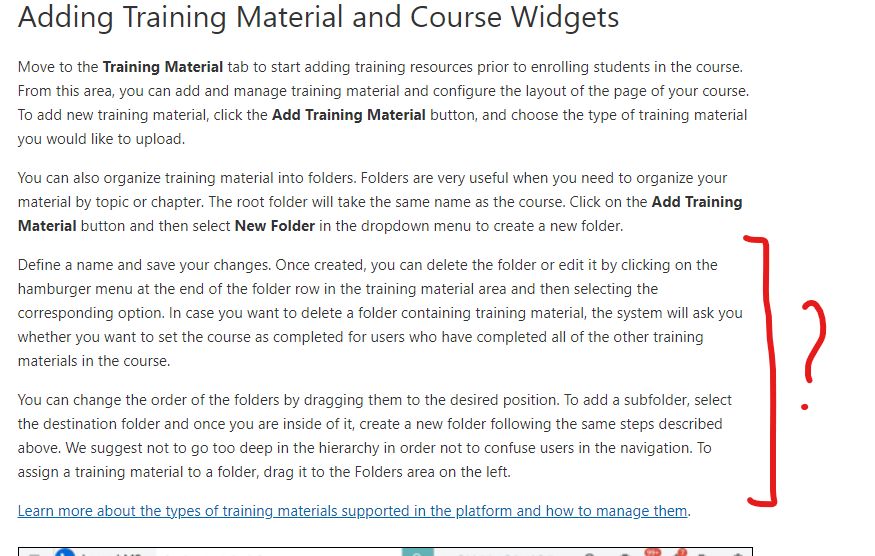
I don’t see any of those options?? I cannot assign content from the left panel to the folders on the right either.
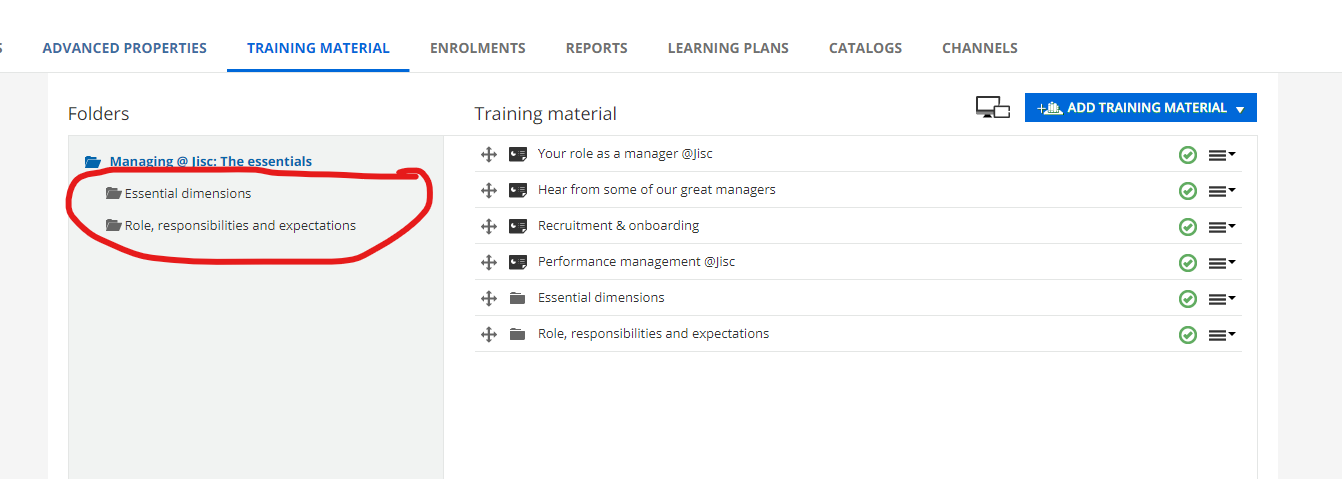
Any help appreciated - even if just pointing something I’ve missed!
Going out of my mind a bit here!