Question

How to create a Image preview section using demo material?

  • June 3, 2025
  • 2 replies
  • 36 views

I'm working on adding screenshot previews below the course description area to give users a better visual understanding of what to expect from the course. After doing some research, it looks like Demo Material might be a good fit for implementing this feature. However, I haven’t been able to find clear implementation instructions.

Has anyone used Demo Material before or have any tips or examples to share? Any guidance would be much appreciated. Thanks in advance!


2 replies

lrnlab
Hero III
Forum|alt.badge.img+10
  • Hero III
  • June 3, 2025

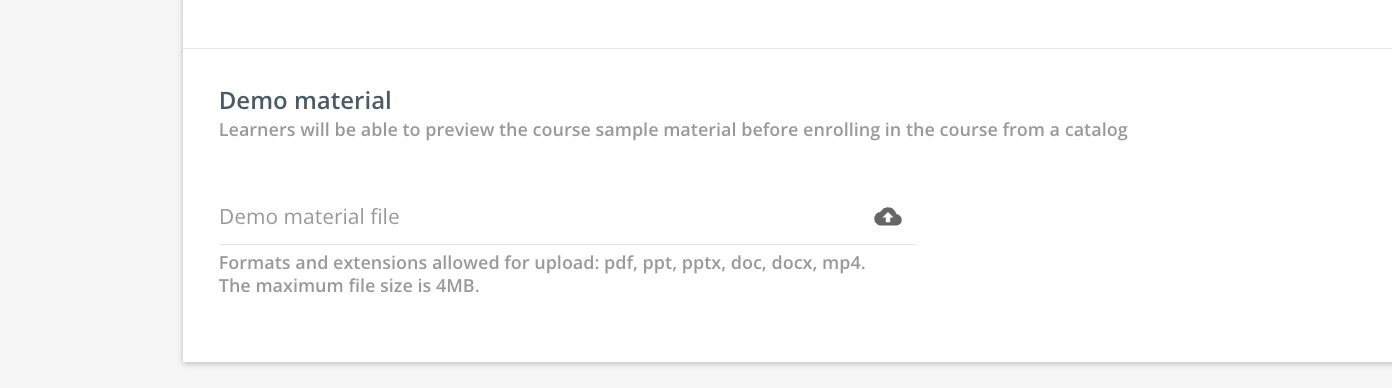
The Demo materials are just a file up to 4MB in size (so quite small) you can attach to the course so users can see something before they decide to enrol. You can add (upload a file) from the properties tab on the course.

Properties > Advanced Settings > Catalogue options > Demo material is at the bottom of the page

files types and sizes listed above


jckemv
Helper I
Forum|alt.badge.img+2
  • Helper I
  • June 4, 2025

I was excited to find that, but 4 meg is such a small file size it is hard to put anything useful in that area. I wish it was a little bigger like 10MB or something.