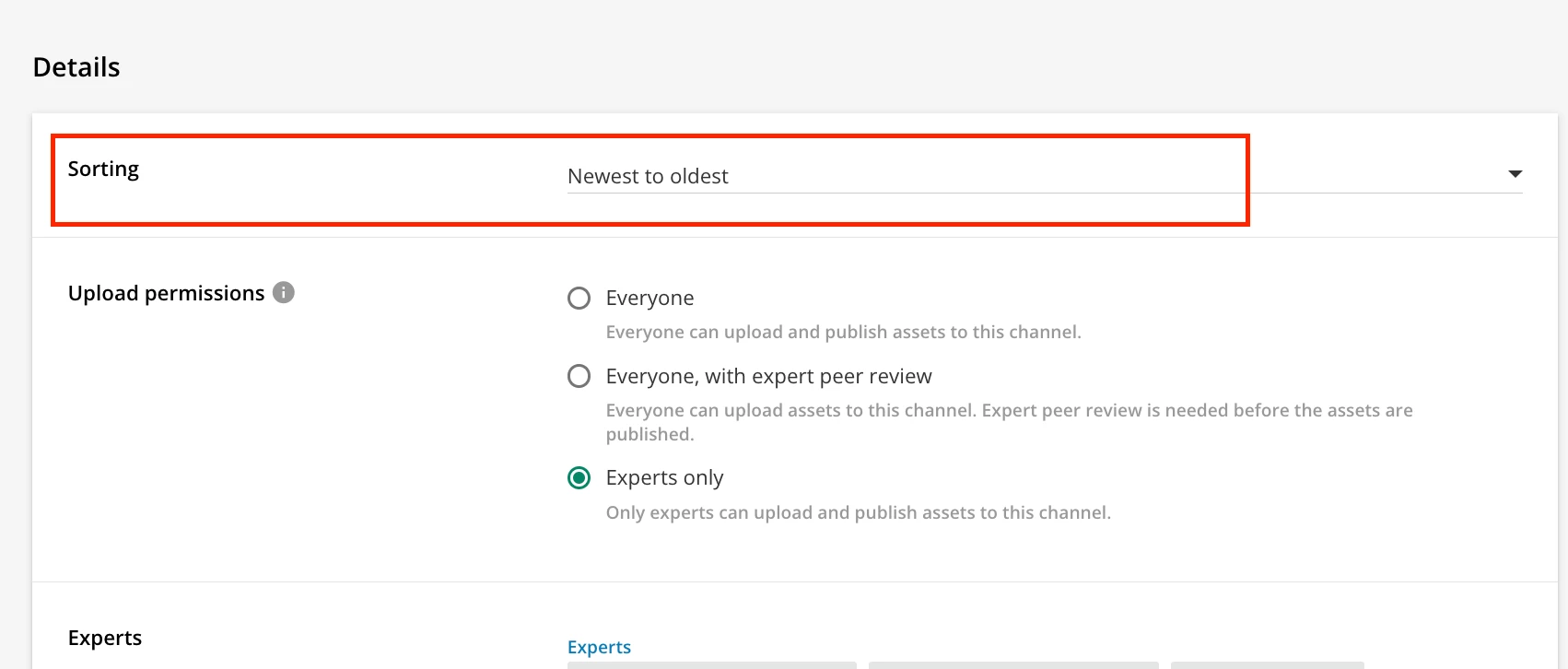
One way were are utilizing channels is by uploading weekly reports (assets) to share with business owners. However, even though I am uploading them in order, they are being automatically sorted out of order alphabetically. By default, I need users to always see assets I upload to the channel “newest to oldest” unless they choose to filter or sort differently. Especially because we are utilizing the Channels feature within pages, it’s important for users to see the newest files first.
I’m completely on board also with other ideas to improve channels - such as the ability to manually sort your assets and pinning the most important assets to the front or top of the channel.