Answer

I set 2 attempts max for the exam, but after the first attempt, it shows "maximum attempt reached"

  • January 19, 2023
  • 6 replies
  • 167 views

Forum|alt.badge.img+1

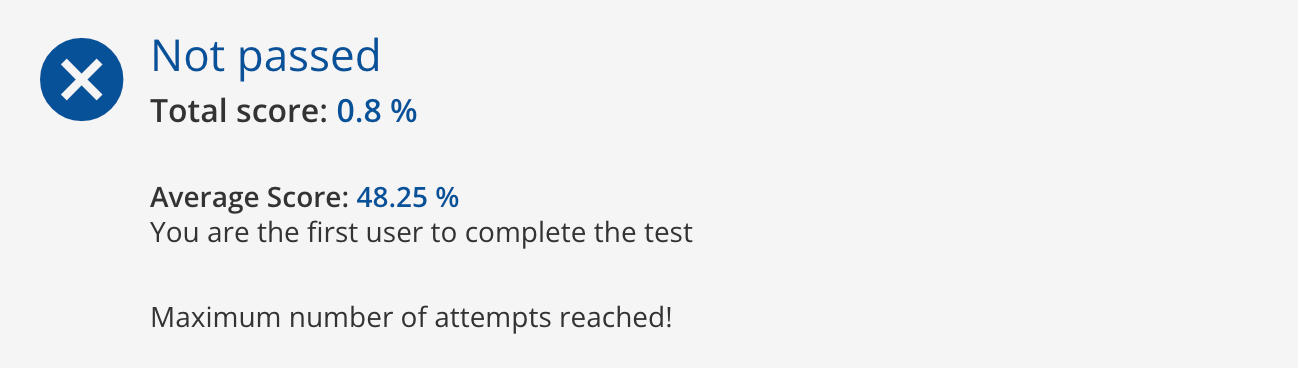
If I failed the exam for the first time, but I don’t see anywhere I can take the exam for the second attempt. On my score page it shows ‘maximum attempts reached’ after my first try. Is there anything I didn’t set it correctly?

 

Best answer by Annarose.Peterson

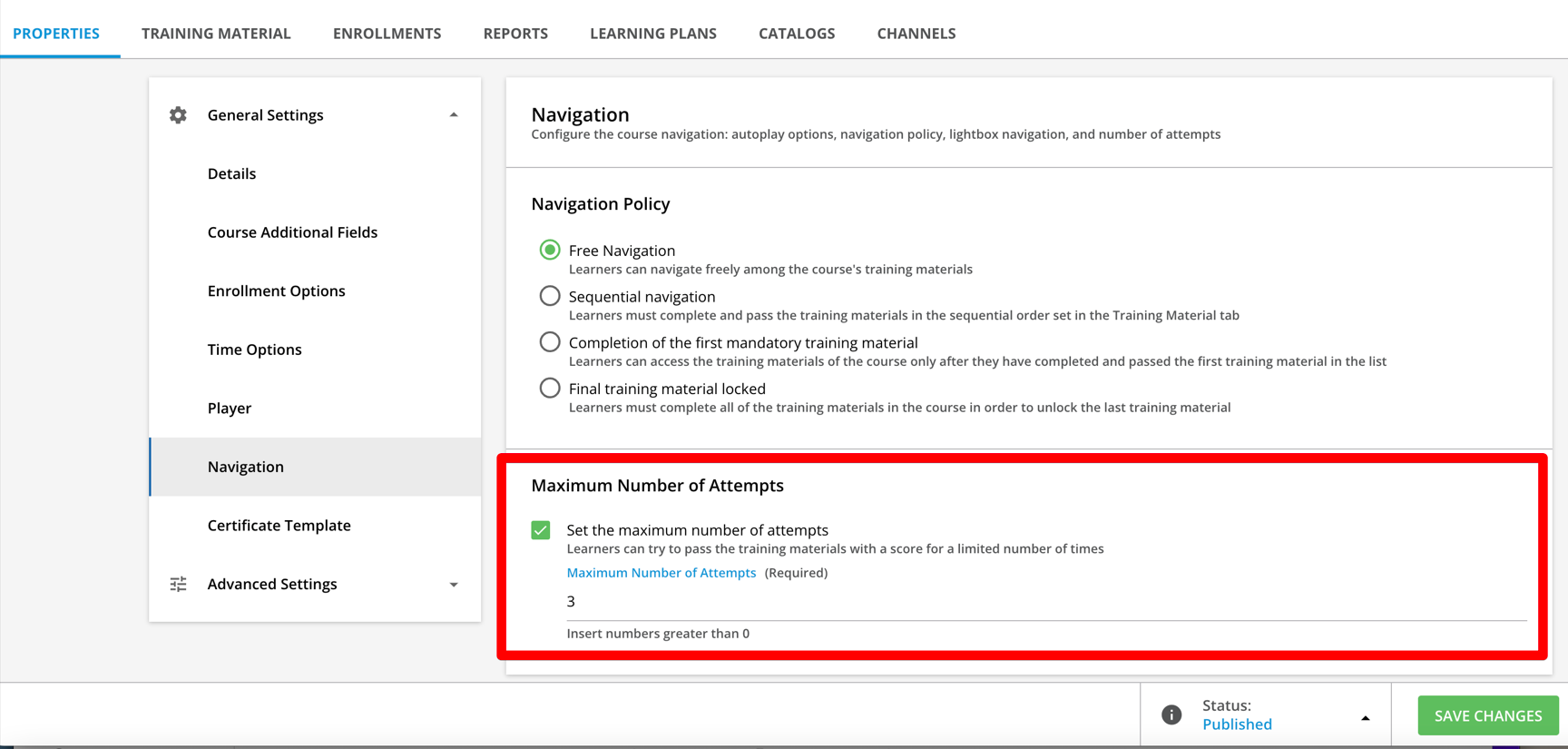
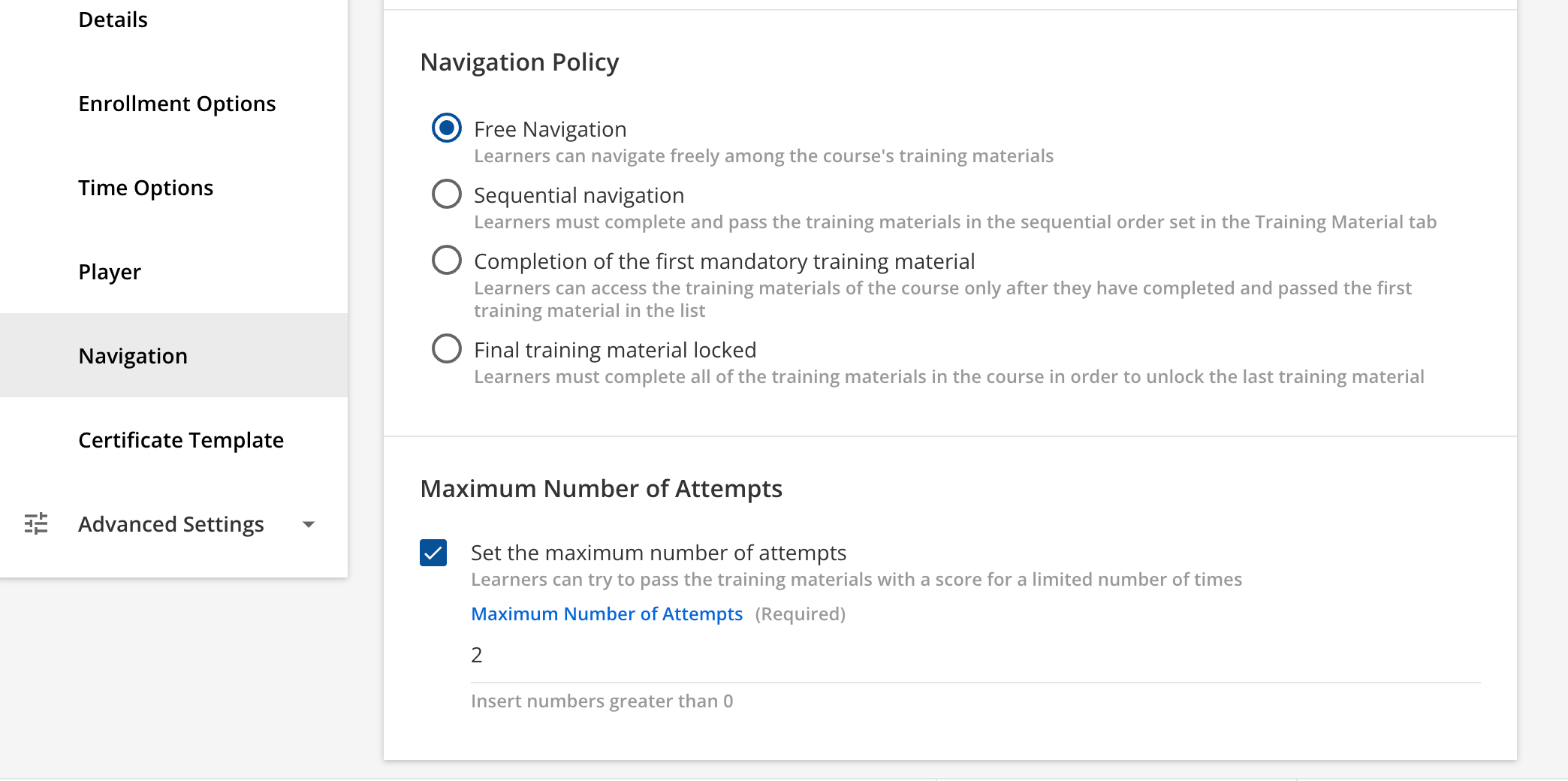
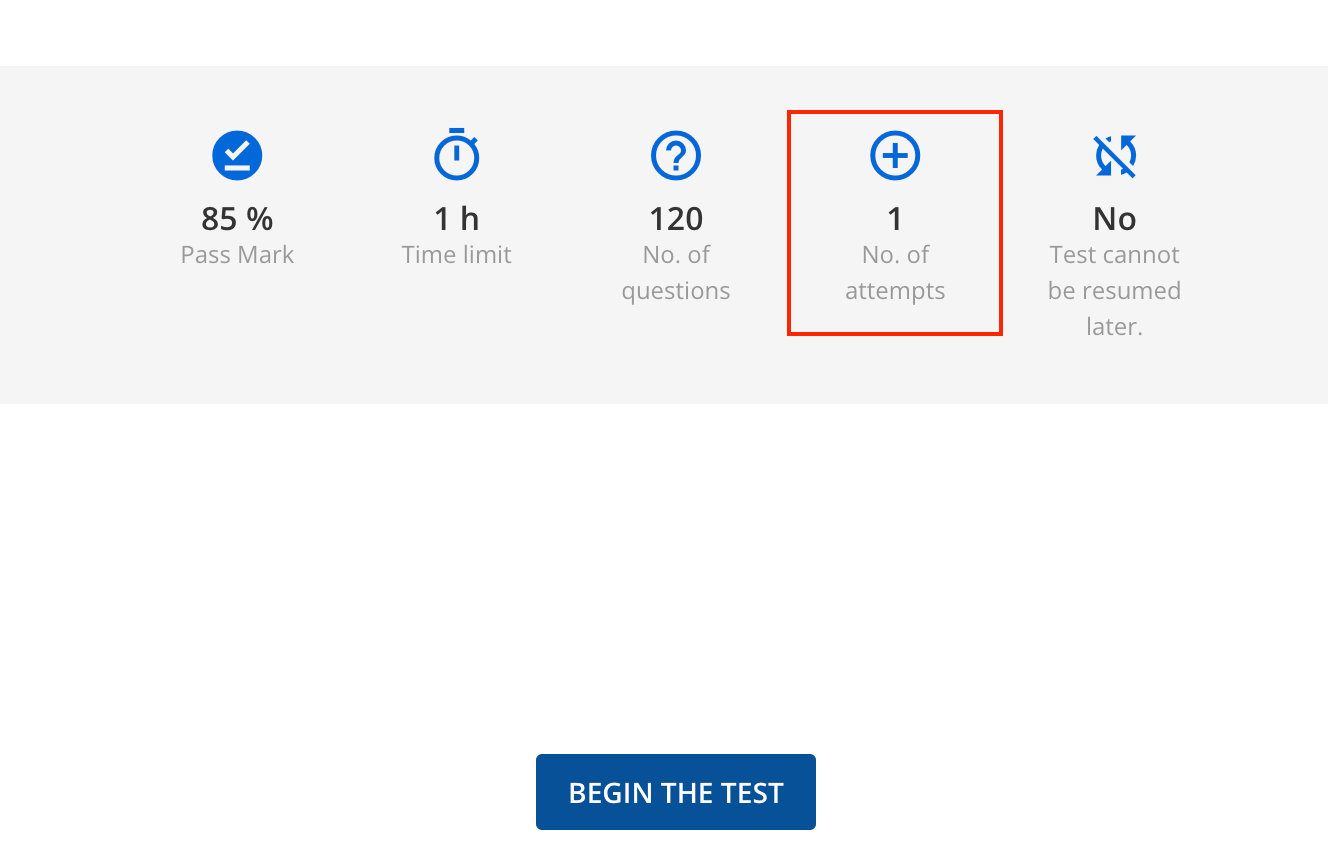
The first screen shot, you are showing the number of attempts at the course shell level. It looks like from that second screen shot the number of attempts was set the test level. 

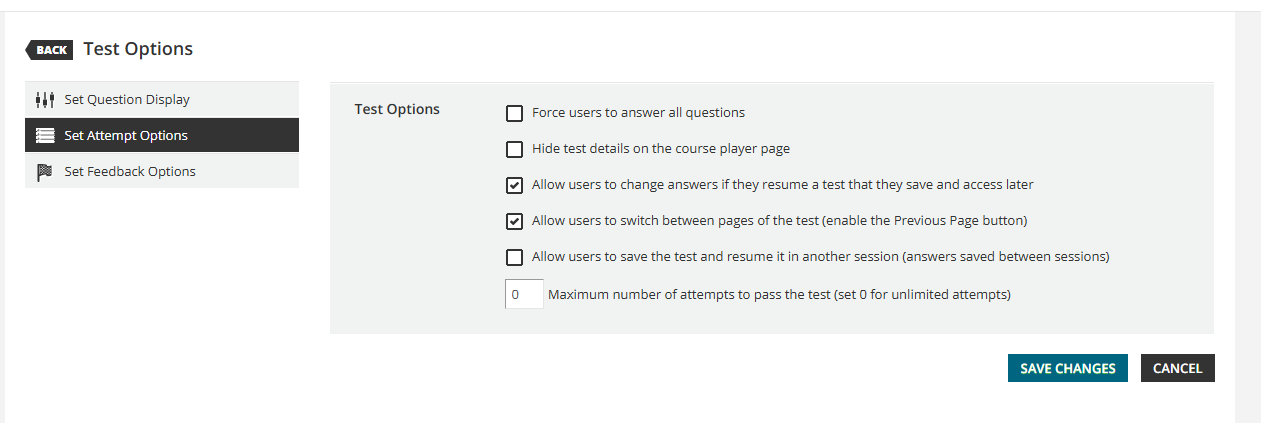
To fix that, go in and edit the test, and go to Test options.  There is an option to set the attempts. 
 

6 replies

gstager
Hero III
Forum|alt.badge.img+8
  • Hero III
  • January 19, 2023

If the total on that attempt is 0.8% but your average is 48.25%, it would seem another attempt is part of that calculation.

Did you try a preview as admin?


Forum|alt.badge.img+1
  • Author
  • Contributor I
  • January 19, 2023

I enroll myself as the Learner role and I have reset my previous attempts. This was the first try after reset. Not sure why it included another attempt.


Rosalie
Guide II
Forum|alt.badge.img+1
  • Guide II
  • January 20, 2023

Hi

Check the following configuration of your course Properties > navigation > Maximum number of attempts

It seems that if you set something different than what is set in the test, this flag overrides the set up you did the training material tab. Remove the flag and check if the test is working properly after that.


Forum|alt.badge.img+1
  • Author
  • Contributor I
  • January 20, 2023

 Hi Rosalie, 


I set the maximum of attempts as 2, but on my exam page, it shows No. of attempts 1. Is there any other set up that overrides this maximum number of attempts?


Annarose.Peterson
Hero III
Forum|alt.badge.img+7

The first screen shot, you are showing the number of attempts at the course shell level. It looks like from that second screen shot the number of attempts was set the test level. 

To fix that, go in and edit the test, and go to Test options.  There is an option to set the attempts. 


Forum|alt.badge.img+1
  • Author
  • Contributor I
  • January 20, 2023

Thank you Annarose! That solves my problem. You’re right, I didn’t set the test level option correct.