My team and I are experiencing an issue with the newly updated UX pages in Docebo. As shown below, the icons that are supposed to appear within the square boxes are no longer visible.
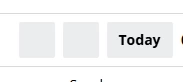
We’re seeing this issue on the newly updated user experience pages.
On our calendar, the square boxes are visible, but the icons—such as the arrows and the “...” (more options) icon—are missing.
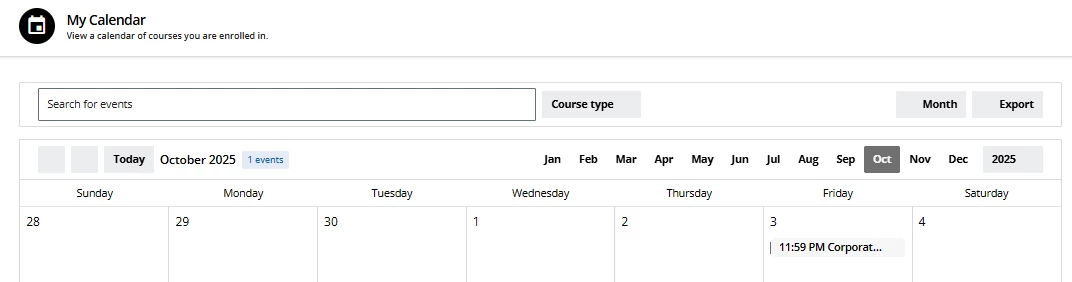
We’re also seeing this issue on our course player page.
The “More Information” button—which includes the unenrollment option—is not visible. This has caused problems for users, as the button is only accessible if they know to hover over the exact spot where it should appear.

Has anyone else experienced this issue?
We’ve tested it thoroughly on our end by removing all custom CSS and changing the branding colors in the “Configure Your Brand” section. Since we’ve tried nearly everything, we’re confident this isn’t caused by anything on our side.
Thank you!