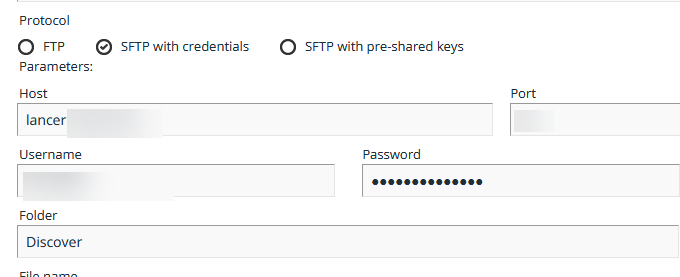


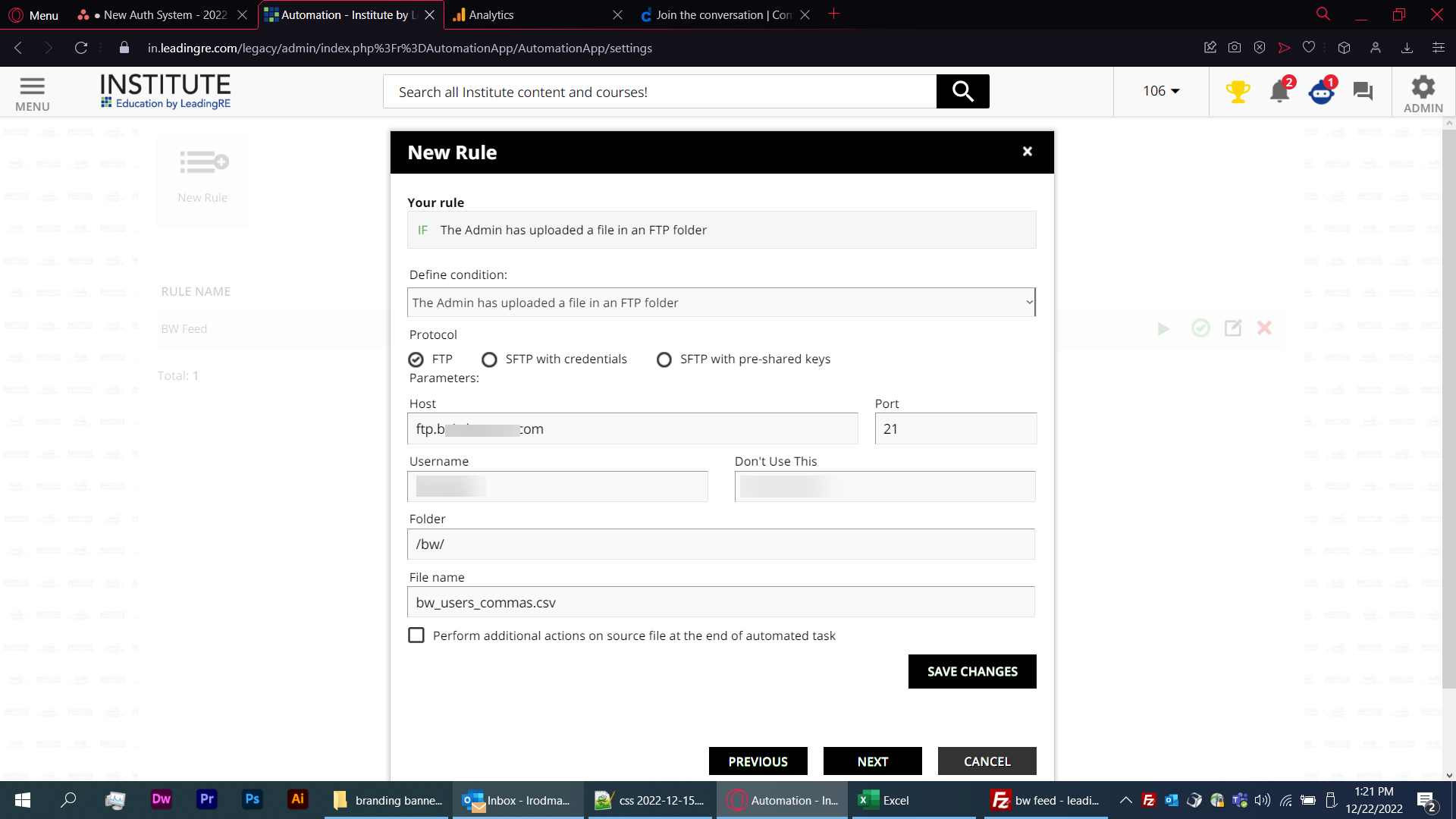
If I'm pulling a csv with automation app, and it's in root, what do I put for folder name?

  • December 22, 2022
  • 3 replies
  • 106 views

lrodman
Guide II
Forum|alt.badge.img+6

I can get the file just fine with filezilla.

I have tried “/”, blank, various combinations of made up folders etc. Nothing works. 

I tried putting the file not-in-root as well, with every variation I could think of for folder.

The fact that there are zero screenshots of this screen in the kb doesn’t help :P
thanks and happy holidays all!


3 replies

KMallette
Hero II
Forum|alt.badge.img+9
  • Hero II
  • December 22, 2022

@lrodman You might need to ask the administrator of your SFTP site for help. When you log in there, maybe your credentials map to some folder ??

I created a folder on my SFTP site so I add in that folder name.


Bfarkas
Hero III
Forum|alt.badge.img+6
  • Hero III
  • December 24, 2022

@lrodmanYou might need to ask the administrator of your SFTP site for help. When you log in there, maybe your credentials map to some folder ??

I created a folder on my SFTP site so I add in that folder name.


Agreed, pretty sure I have a few true roots and it’s just empty and works. Def make sure you are trully at root for your space. 


hwolfehall
Helper I
Forum|alt.badge.img+2
  • Helper I
  • January 13, 2023

When at root, it is just empty.  We were told that you couldn’t use folder...that everything needed to be at the root.  Which I found odd given that the interface literally has a field for folder.  Interesting that others are successfully using the folder approach.