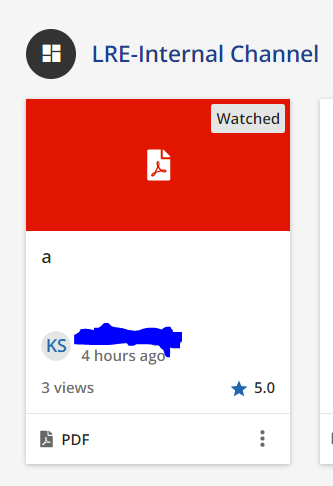
I ended up changing these instances of ‘watched’ to ‘viewed’ which I think covers more file types.
Would like to know how’d you do that?
Thanks in advance!
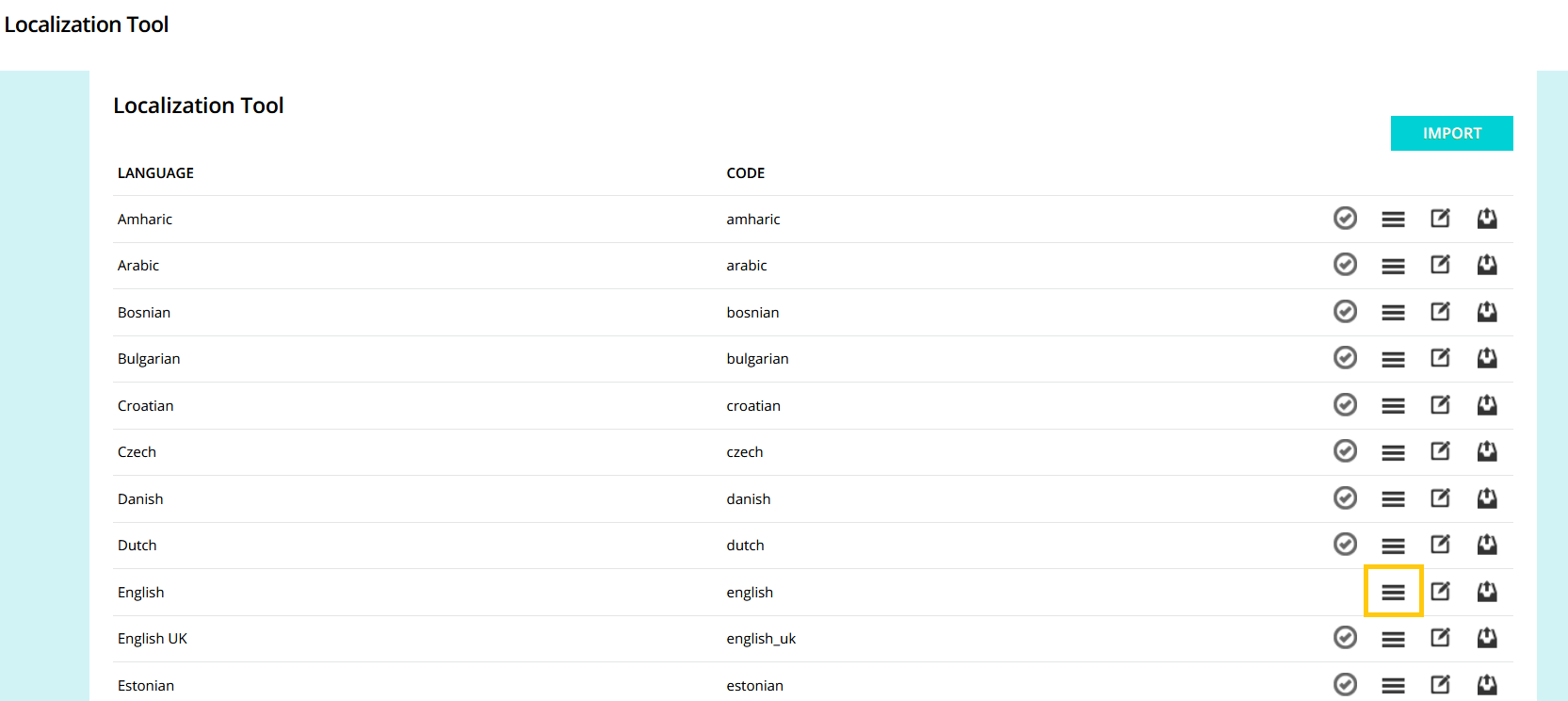
You can use the localization tool for this (Admin > Settings > Localization). Then click the hamburger icon to navigate to where you can replace terms.
Then you search for the word you want to change (i.e. watched)
All of the instances of ‘watched’ will then appear. If you click on the translation then you can edit the language.
I would echo the suggestion above - I have a lot of our customers change it to viewed as well to be more encompassing for all types. This would be a good idea to submit for Docebo to change the default wording to that as I think it makes more sense as you don’t watch a link either. 😆
If it helps, I used the localization tool and changed all “watched” to “viewed. That makes it work for both videos AND PDF or other files. Same for “watch” to “view”.



 +6
+6