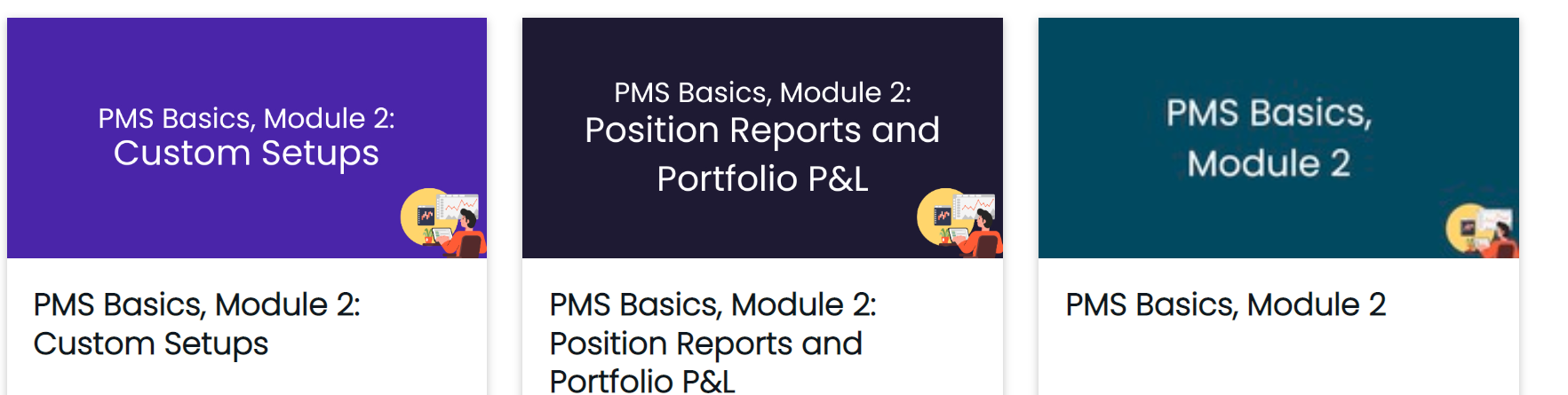
When adding a thumbnail to Learning Plans, I am using the same image dimensions (800x 400) and file type (png) as the images that I upload to courses. However, the learning plan thumbnail appears blurry in the course catalog.
I’ve used the same Canva project to create these images and they all have the same font size and image size.
Does anyone know what might be causing this (image on right is learning plan)?
Thank you.
Image on right is learning plan and is blurry.
Best answer by lrodman
Learning plan thumbnails are ¼ the resolution of course thumbnails - and a slightly different aspect ratio, too. That’s why your pic isn’t just blurry but also has your icon in the bottom right aligned differently.
This is a platform limitation and there’s nothing you can do besides post this to Ideas as a suggestion. I could have sworn I posted this to ideas myself, but maybe I did not.
Learning plan thumbnails are ¼ the resolution of course thumbnails - and a slightly different aspect ratio, too. That’s why your pic isn’t just blurry but also has your icon in the bottom right aligned differently.
This is a platform limitation and there’s nothing you can do besides post this to Ideas as a suggestion. I could have sworn I posted this to ideas myself, but maybe I did not.