Question

My Teams Activities

  • June 17, 2024
  • 2 replies
  • 43 views

Forum|alt.badge.img+4

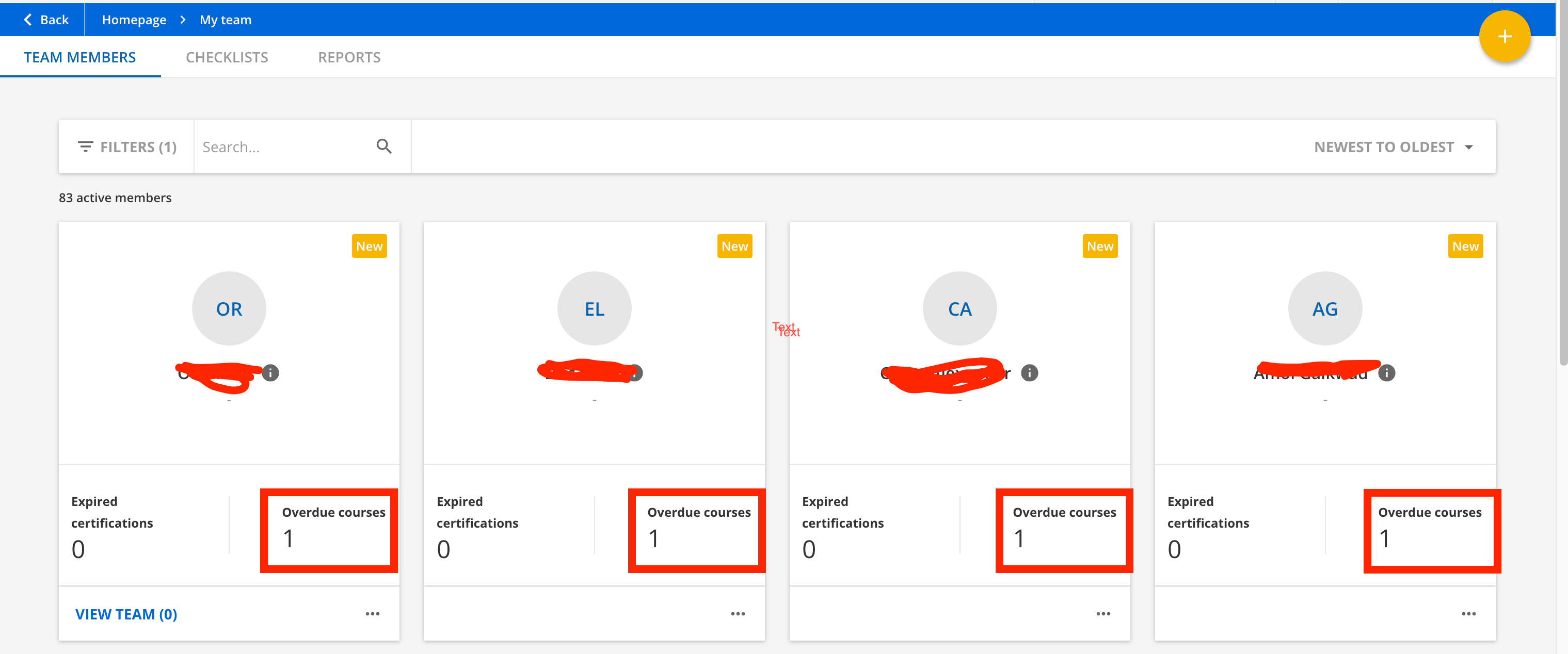
We are looking for a way for a supervisor to see what outstanding courses their direct reports have. We added the My Teams Activities to the supervisors home page, however it is showing that all courses are up to date, when they are not. 

Looking for a way for a supervisor to be able to see what courses are outstanding for their team. 


Thanks! 

2 replies

lrnlab
Hero III
Forum|alt.badge.img+10
  • Hero III
  • June 17, 2024

Think the manager reports are your best bet...


pmo
Docebian
Forum|alt.badge.img+4
  • Docebian
  • June 17, 2024

Hi @dhorne 

We are looking for a way for a supervisor to see what outstanding courses their direct reports have. We added the My Teams Activities to the supervisors home page, however it is showing that all courses are up to date, when they are not. 

Looking for a way for a supervisor to be able to see what courses are outstanding for their team. 


Thanks! 



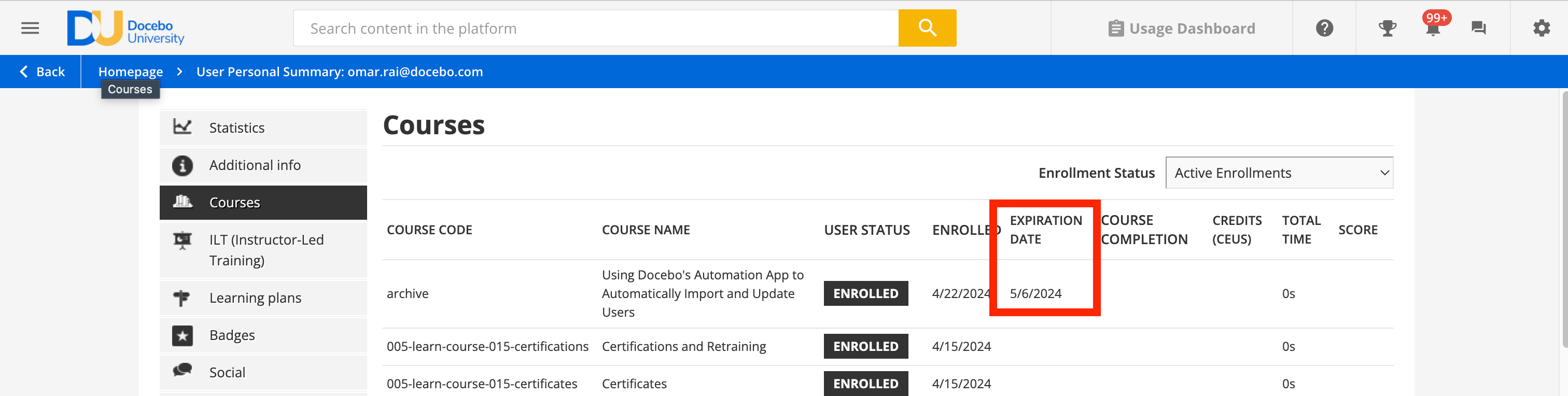
If it’s not showing overdue courses then either those users don’t have deadlines set (either at the enrollment level or at the course level) or you’re experiencing a bug.

If you see the screenshot below it should be showing overdue courses. 


You can then click in and review which course is overdue by looking at the deadline column to review which are incomplete.