



Answer

RE: Whoops Page Image via CSS

  • March 24, 2024
  • 3 replies
  • 148 views

kljenkins0502
Contributor III
Forum|alt.badge.img

@dr.reinhardt 

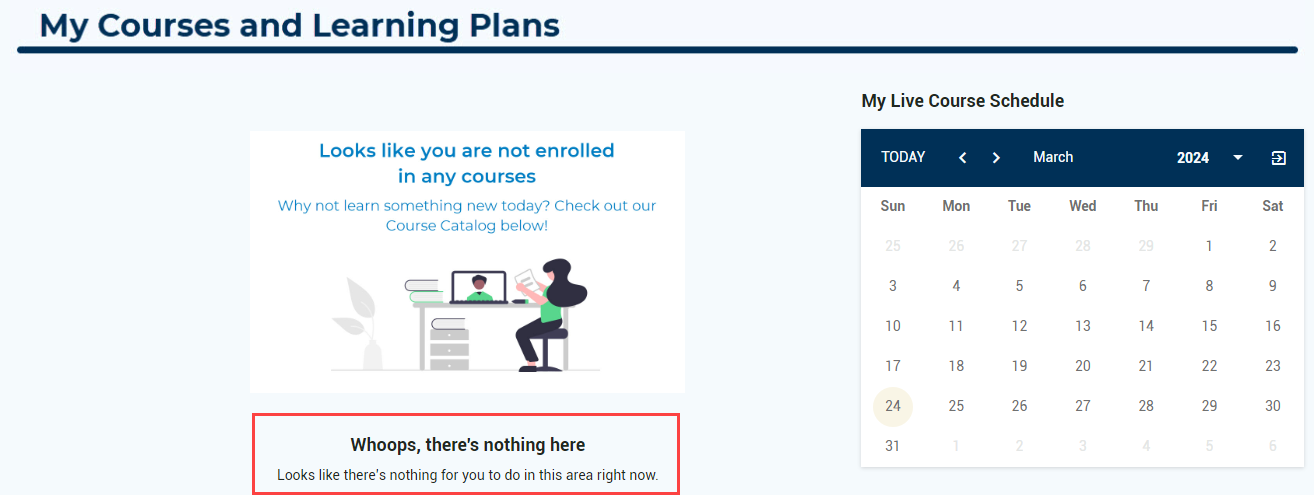
Hello! Thank you for sharing this code to replace the “whoops page image.” Question, I was able to replace the image, but how did you get rid of the “Whoops, there’s nothing here” language underneath the image? Again, thanks so much for your knowledge sharing!

 

Best answer by JeanetteMcVeigh

Have you checked the localization tool? I believe each row (sentence) can be changed individually.

3 replies

JeanetteMcVeigh
Hero III
Forum|alt.badge.img+7

Have you checked the localization tool? I believe each row (sentence) can be changed individually.


kljenkins0502
Contributor III
Forum|alt.badge.img
  • Author
  • Contributor III
  • March 25, 2024

That worked!! Thanks so much for your help @JeanetteMcVeigh!


  • Novice I
  • March 13, 2025

You can also target the text with CSS. Here’s the code I used to remove the Whoops Lady and her text on a specific page. You just need to find the doc-page ID for the page you want to adjust and target it.


#doc-page-55 .ui-illustration.ui-illustration-size-md { 

display: none !important; 


#doc-page-55 .ui-blank-slate-title, 

#doc-page-55 .ui-typography-body { 

display: none !important;


