Question

Resetting Test Question Data

  • March 20, 2025
  • 5 replies
  • 43 views

Forum|alt.badge.img

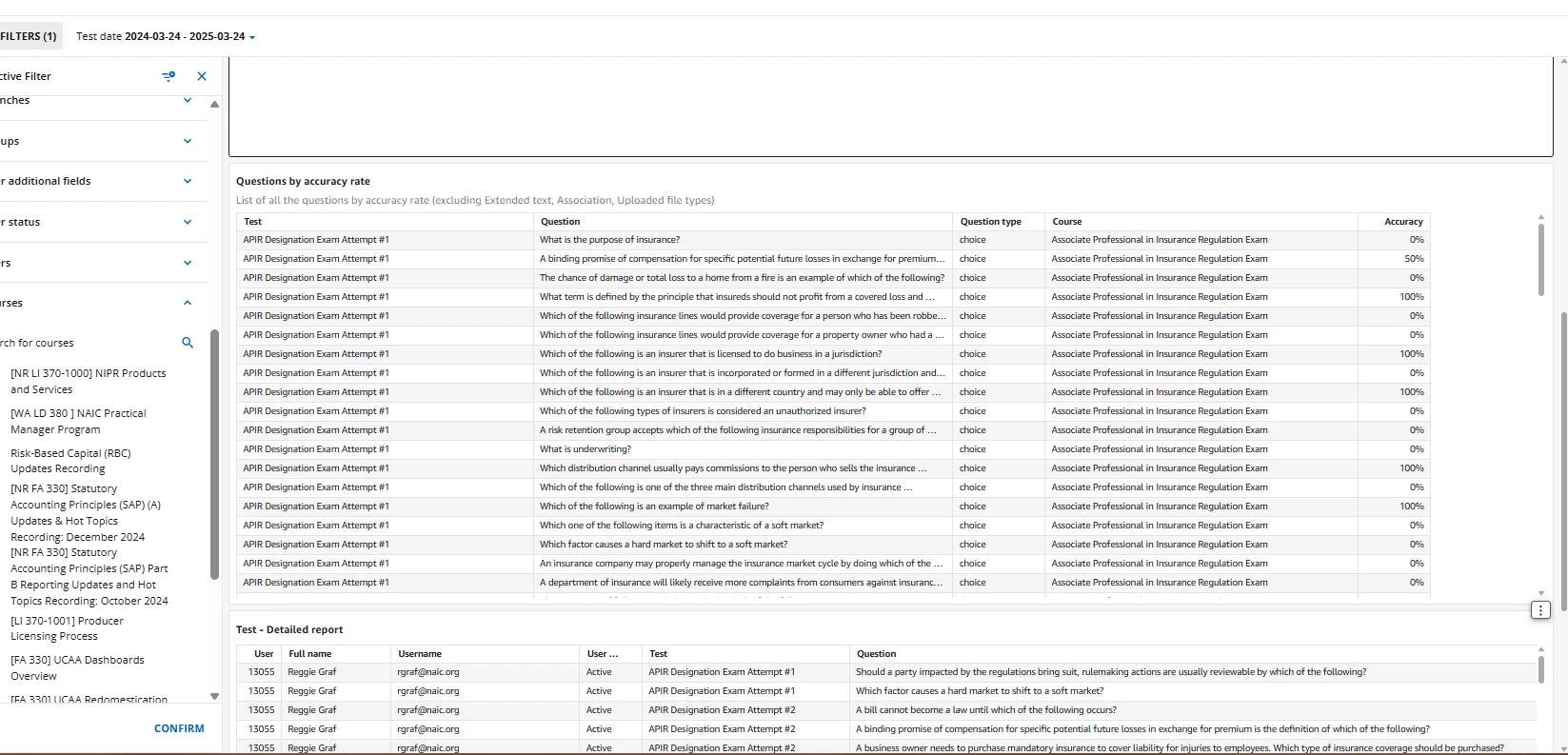
Is there a way to reset the data that is tracked when learners take a test? My team did a bunch of testing on an exam before we published, and even after resetting their completion, the Insights still show their data. Is there a way to reset this?

5 replies

lrnlab
Hero III
Forum|alt.badge.img+10
  • Hero III
  • March 20, 2025

Yes of course.

On the enrolment page, locate the user to reset. Click the “User Stats” option. This will bring you onto the Reports tab. Click the username and you will see the learning objects. There you will see a red X to reset that object. Repeat this for all users you want to reset.


Forum|alt.badge.img
  • Author
  • Contributor I
  • March 20, 2025

Yes of course.

On the enrolment page, locate the user to reset. Click the “User Stats” option. This will bring you onto the Reports tab. Click the username and you will see the learning objects. There you will see a red X to reset that object. Repeat this for all users you want to reset.

I did that and the stats are still showing under Insights > Tests.


lrnlab
Hero III
Forum|alt.badge.img+10
  • Hero III
  • March 20, 2025

Insights is only updated once per day


Forum|alt.badge.img
  • Author
  • Contributor I
  • March 24, 2025

Insights is only updated once per day

The stats are still showing even though I have reset everything for this learner. 


lrnlab
Hero III
Forum|alt.badge.img+10
  • Hero III
  • March 24, 2025

You might want to open a ticket with support. Not sure if Insights keeps the data (like the Learn data app does) for exams. Might be an oversight in how this dashboard works; definitely not how the reports work though.