On Docebo Help it guides me to the Admin menu and then says there is “Learning Evaluation” in the Apps and Features part of the menu - I dont seem to have that option (yes I am a SuperAdmin!)

Question
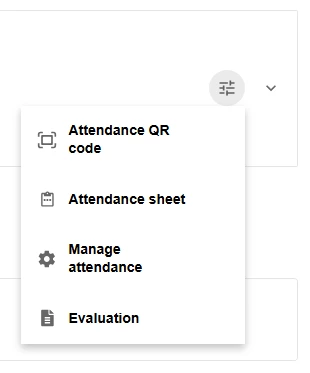
Where can I find the QR codes for ILT sessions







Log in to Docebo Community
Enter your email address or username and password below to log in to Docebo Community. No account yet? Create an account
Docebo Employee Login
or
Enter your E-mail address. We'll send you an e-mail with instructions to reset your password.