Answer

Customize / Hide System Test Feedback Message

  • September 8, 2025
  • 3 replies
  • 61 views

Forum|alt.badge.img

Is it possible to hide or customize the message at the end of a test that says “You have passed/failed the test”? I don’t want learners to know their results straight away.

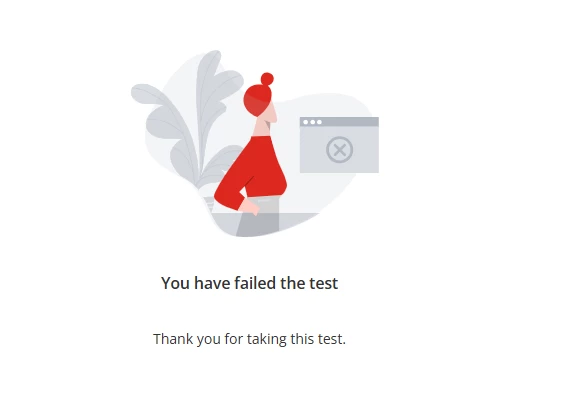
In the below image, the “You have failed the test” text is generated by Docebo.

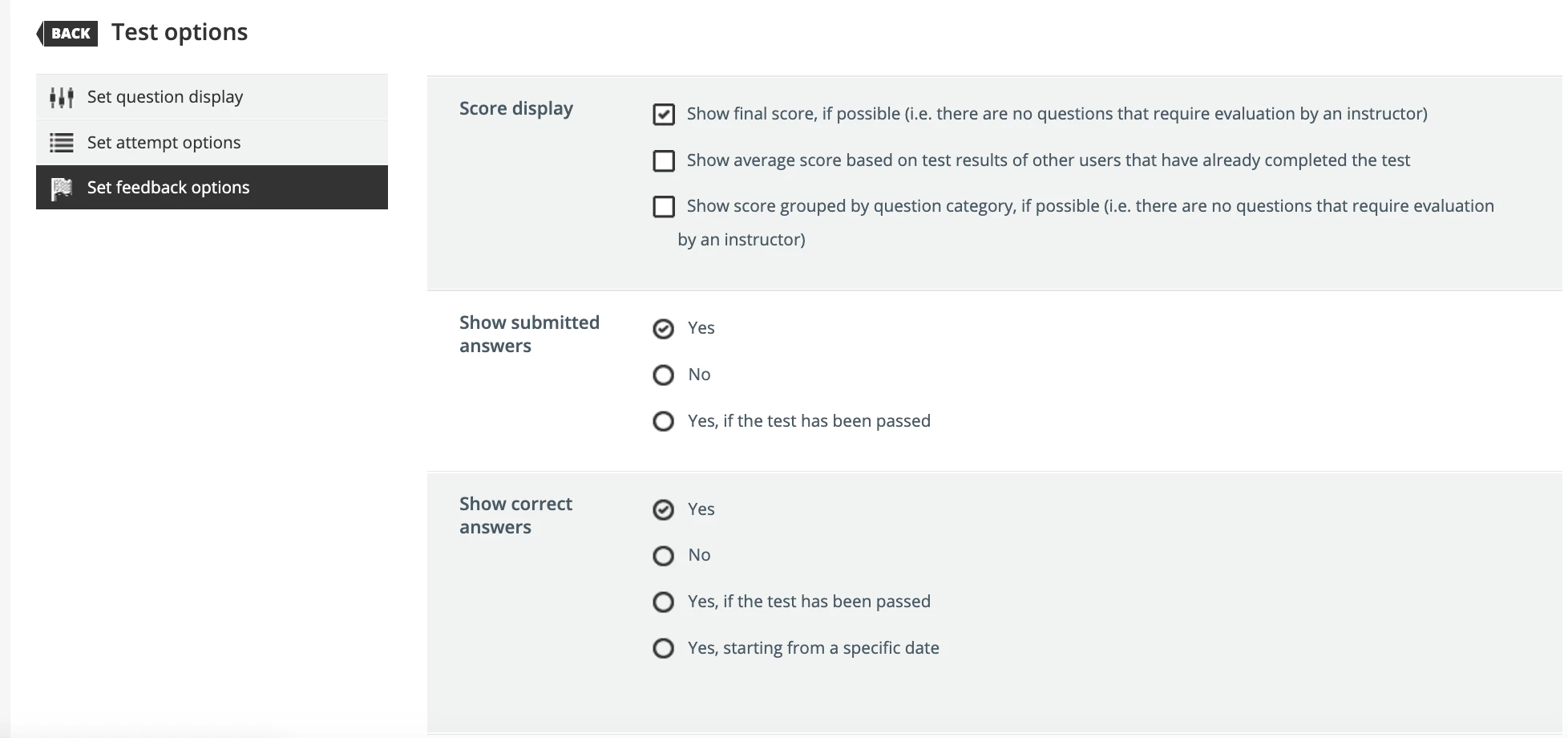
“Thank you for taking this test” has been configured by me in the Test feedback options.

I have left all score display options unticked.

Is there a workaround to prevent the you have failed the test message from being shown?


Best answer by lrnlab

You can use CSS to change the image as stated above. You can also look at the Localization app so what labels can be changed. Also look at the test configuration options and test out what might work best for you.


3 replies

Forum|alt.badge.img+1

@ChristinaC Yes with CSS you can remove the default Docebo illustrations and replace them with the ones you would prefer.


lrnlab
Hero III
Forum|alt.badge.img+10
  • Hero III
  • Answer
  • September 8, 2025

You can use CSS to change the image as stated above. You can also look at the Localization app so what labels can be changed. Also look at the test configuration options and test out what might work best for you.


Forum|alt.badge.img
  • Author
  • Contributor I
  • September 8, 2025

Thank you ​@lrnlab - using the localization tool has done the trick as a workaround this time. Obvioulsy stops being useful the moment I create another test, but that’s a future problem. :-)