Question

Docebo trainings

  • Sep 25, 2025 4:21 AM UTC
  • 7 replies
  • 165 views

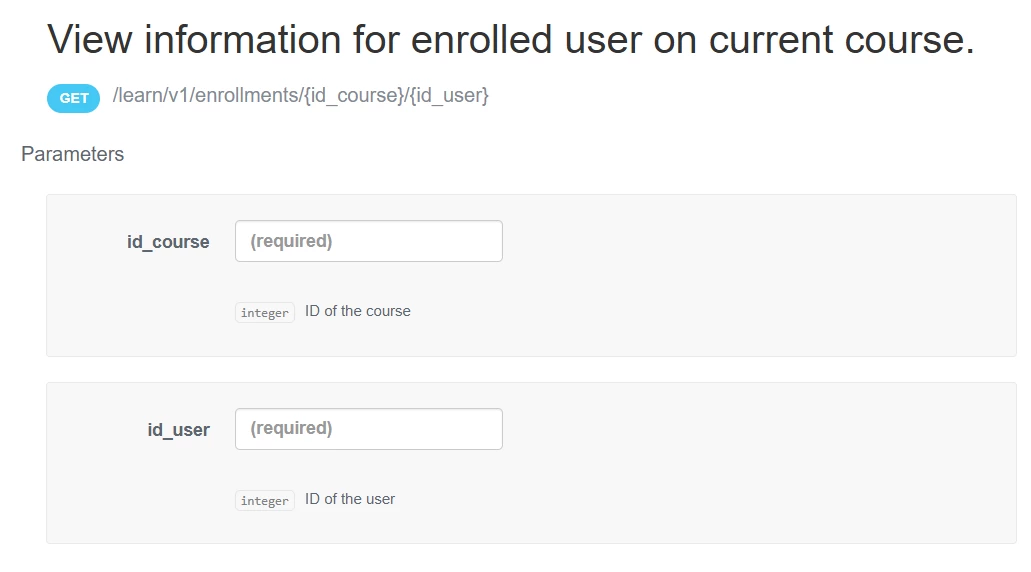
Hi Team, anybody help me to find enrolled user for a course , I ‘am trying with this endpoint this provides all the enroll-able user list of all cousers.

 

get /course/v1/courses/{id}/enrollments

7 replies

Forum|alt.badge.img+1
  • Sep 25, 2025 10:54 AM UTC

Hi ​@Swapna try this…


  • Author
  • Novice II
  • Sep 25, 2025 11:57 AM UTC

Hey ​@mstrom But I need to get the list of enrolled users for a course. in above case I’ am not aware of user details. pls suggest


elamast
Hero I
Forum|alt.badge.img+7
  • Hero I
  • Sep 25, 2025 12:49 PM UTC

How about this one?

GET  /course/v1/courses/enrollments?course_id[]=COURSE_NUM_HERE


Forum|alt.badge.img+1
  • Sep 25, 2025 12:56 PM UTC

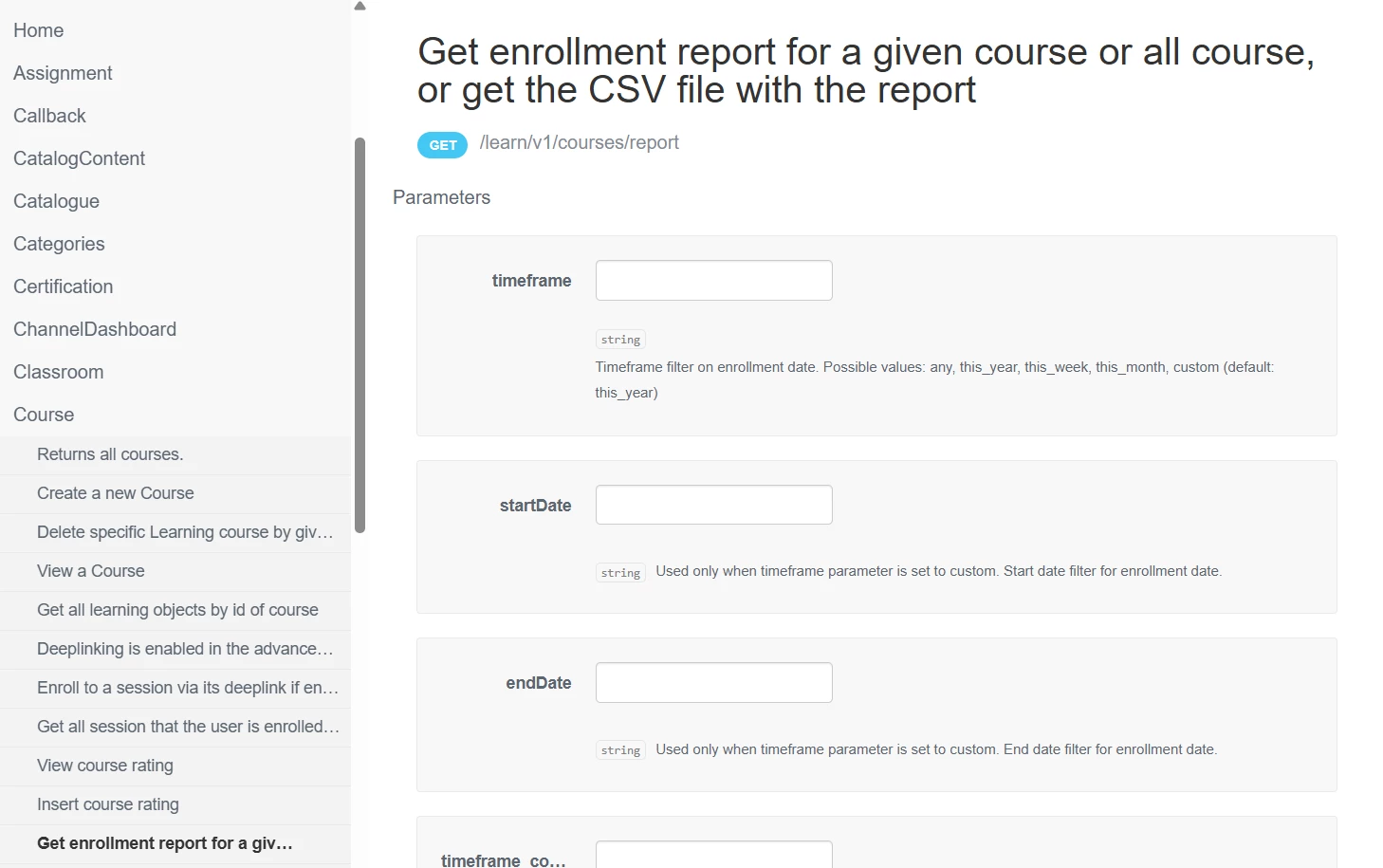
Also this one /learn/v1/courses/report?idCourse=12345&page_size=200&page=1

There’s more params available...take a look in the Docebo API Browser for documentation.


  • Author
  • Novice II
  • Sep 25, 2025 5:22 PM UTC

Also this one /learn/v1/courses/report?idCourse=12345&page_size=200&page=1

There’s more params available...take a look in the Docebo API Browser for documentation.


This looks better ​@mstrom Thanks a lot!!!, but its having almost 1000+ pages of records to process huge data challenging and time consuming, will I be able able to get this csv file directly?


  • Author
  • Novice II
  • Sep 25, 2025 5:25 PM UTC

How about this one?

GET  /course/v1/courses/enrollments?course_id[]=COURSE_NUM_HERE

Hey ​@elamast this one I tried, but its giving all the user list as its says enroll able users it provides all the list of users its not filters not only the enrolled one.


Forum|alt.badge.img+1
  • Sep 25, 2025 5:54 PM UTC

Is there a requirement that you need to do this all with API? If not, I would suggest creating a report natively within your platform and exporting it as CSV, or even schedule it. Otherwise you’ll need to create a recipe automation to either loop through the pages, consolidate the data, then export out into a CSV file that can then be sent out.


Other options:

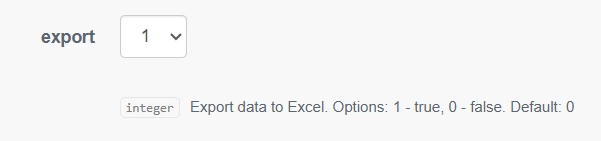
This endpoint does have a param for export but I’ve never tried it. /learn/v1/courses/report?idCourse=12345&export=1


Or change the page number and run for each page, but this is if you have automation software like Docebo connect or Workato.

/learn/v1/courses/report?idCourse=12345&page_size=200&page=1

/learn/v1/courses/report?idCourse=12345&page_size=200&page=2

etc

Max page size for this and most Docebo API endpoints is 200 per call.


There are other API endpoints that allow you to export a native report you have in your platform but you’ll still be faced with processing through all the data, converting to file, uploading to a folder to sending email...all more suited to iPaaS tools, not postman manual processes or the like IMO.

Keep it simple if you can, use native reporting in your platform and export out the csv file.