How Companion handles sub-folders and domains

  • June 24, 2026
  • 3 replies
  • 28 views

Forum|alt.badge.img+4

I’m curious how Companion handles spaces that have multiple subdomains or folders/pages within the same domain, because I can’t quite figure out how it works.

I’m experimenting with Companion and setting up spaces. One of the things I am trying to do is specify what content is visible for specific areas of a website that is used regularly. This means that I have set up separate spaces for subdomains and folders, however they seem to be overridden by the highest level.

Let’s use Docebo instances as an example:

  • Homepages are likely yoururl.docebosaas.com/pages
  • learning content is yoururl.docebosaas.com/learn
  • Admin screens have their own subfolders
  • API browser is yoururl.docebosaas.com/api-browser

I was attempting to set up the following:

  • general “how to navigate” courses for most pages yoururl.docebosaas.com/*
  • API-scpecific training linked to the API page: yoururl.docebosaas.com/api-browser/*

What I found was:

  • general content successfully appeared across all subfolders ( …/pages, …/setup, …/pages, etc)
  • API specific training never appeared...but neither did the general items.
  • When I tried to set up a different space for …/pages or …/learn to see what would trigger different content, the content available either defaulted to the general training, or displayed the general “keep learning” page with no content.

This would also be true for Sharepoints or Intranet usage for many companies. If there is a complex setup, then setting up enough spaces could be very tedious and prohibitive, especially since it is possible that duplicate spaces may be needed. In my mind, the wildcard URLs should be a fallback so that the …/pages is triggered first and then falls back to docebosaas.com/* if no sub-page is visited.


What is your experience with this part of the tool? Do you have any best practices?

3 replies

lrnlab
Hero III
Forum|alt.badge.img+10
  • Hero III
  • June 24, 2026

Hi ​@ChrisBurton you can use wildcards in your space URL to support sub pages.

https://help.docebo.com/hc/en-us/articles/33181993176210-Docebo-Companion-Administration-guide


Forum|alt.badge.img+4
  • Author
  • Influencer II
  • June 25, 2026

Let me be more clear on my use case. I would like to use Companion to tie assets and courses to a fairly complex network of URLs (Sharepoints, Power Apps, etc) where the patterns will follow something like this: url.com/area/department/team

I would like to display one thing for all pages within the area, so url.com/area/*  

In some departments I would like to display some specific assets, so now I need url.com/area/department/*

Now let’s say that department 1 and department 2 have specific assets that I want to display, but department 3 does not, but I still need the area-level assets to display. If I specify “url.com/area” without the wildcard, then “url.com/area/department3” will not display the area content I need it to display.


Let me show screenshots to help explain the problem I am facing:

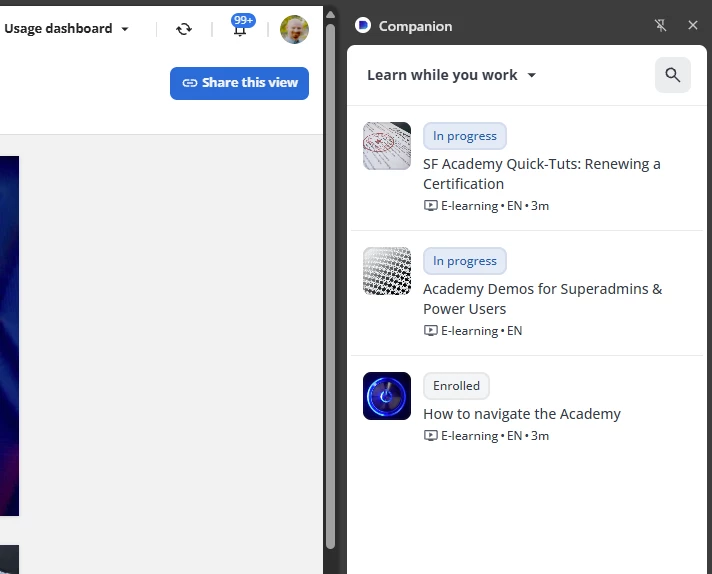
This is a space set up for MyURL.docebosaas.com/*

MyURL.docebosaas.com/*

And this is from MyURL.docebosaas.com/setup/spaces, so clearly this is working to capture all sub folders.

MyURL.docebosaas.com/setup/spaces

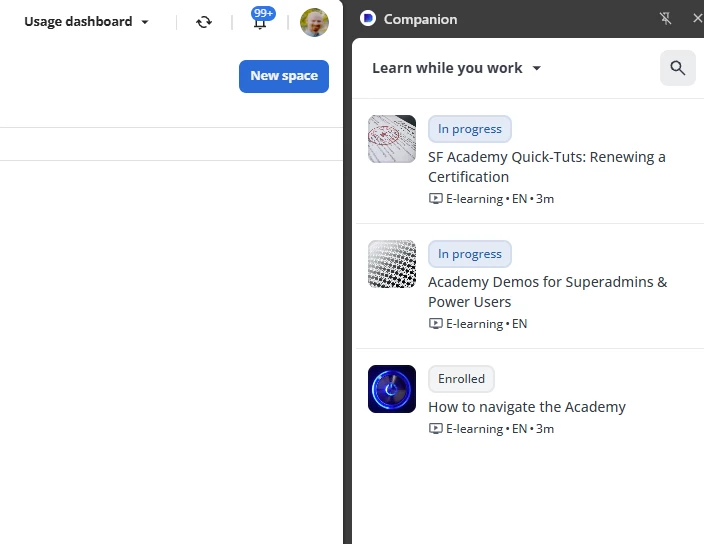
However, this is where it breaks down. I set up a different space for  MYURL.docebosaas.com/pages/* to test if I can do the scenario above. This image should show a different set of curated content, but it does not.

MYURL.docebosaas.com/pages/*

I set up a different space specifically for “/pages” to see if it would behave one way for a parent URL and another way for a sub-folder/page. It appears to default to the parent page instead.


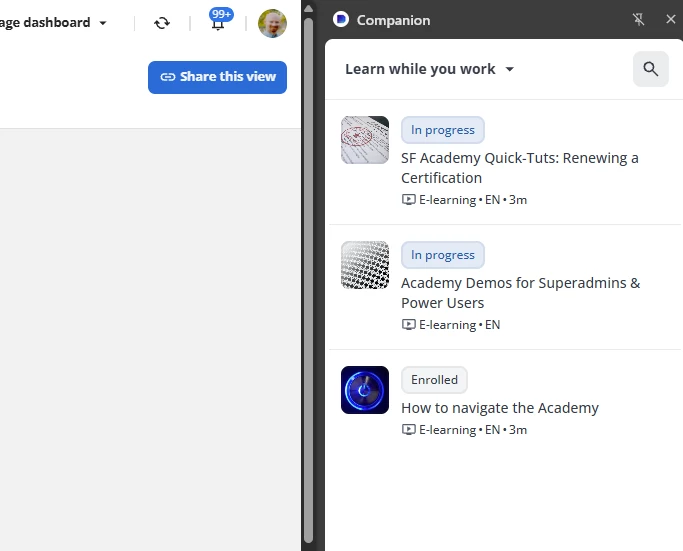
I also set up a completely different setup for the API browser as well, which is MYURL.docebosaas.com/api-browser/*. For this one, yesterday it showed me Companion with no content, today it defaults to the parent page list pictured above.


Doe the wildcard completely supersede everything below it? Am I able to set up an order of execution where it will do some spaces first and then fall back to others?


Kristian Luke Jones
Docebian

Hi ​@ChrisBurton, Companion should be working as you described in your scenario.

The wildcard is the fall back, if it realises a more direct match then it shows you that.

e.g: i have two spaces configured on a web page.

https://www.website.com/*
https://www.website.com/users


When a users is on the https://www.website.com/users page it should show the content mapped to that space

Otherwise if the users i on any other page on that domain it would mapp to the content in the https://www.website.com/* space.


If something is not working as expected, lets connect next week to have a look together and get to the root of the problem. 

I’m doing to DM you with a scheduler link so we can set something up.


Thanks,
Kristian.