Answer

How to Make Course Image Responsive to Browser Resize?

  • May 15, 2025
  • 2 replies
  • 54 views

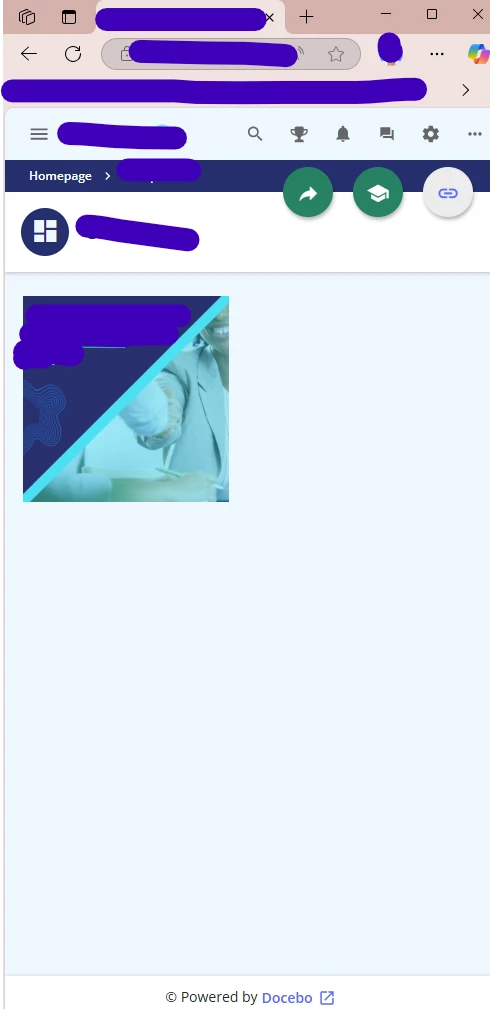
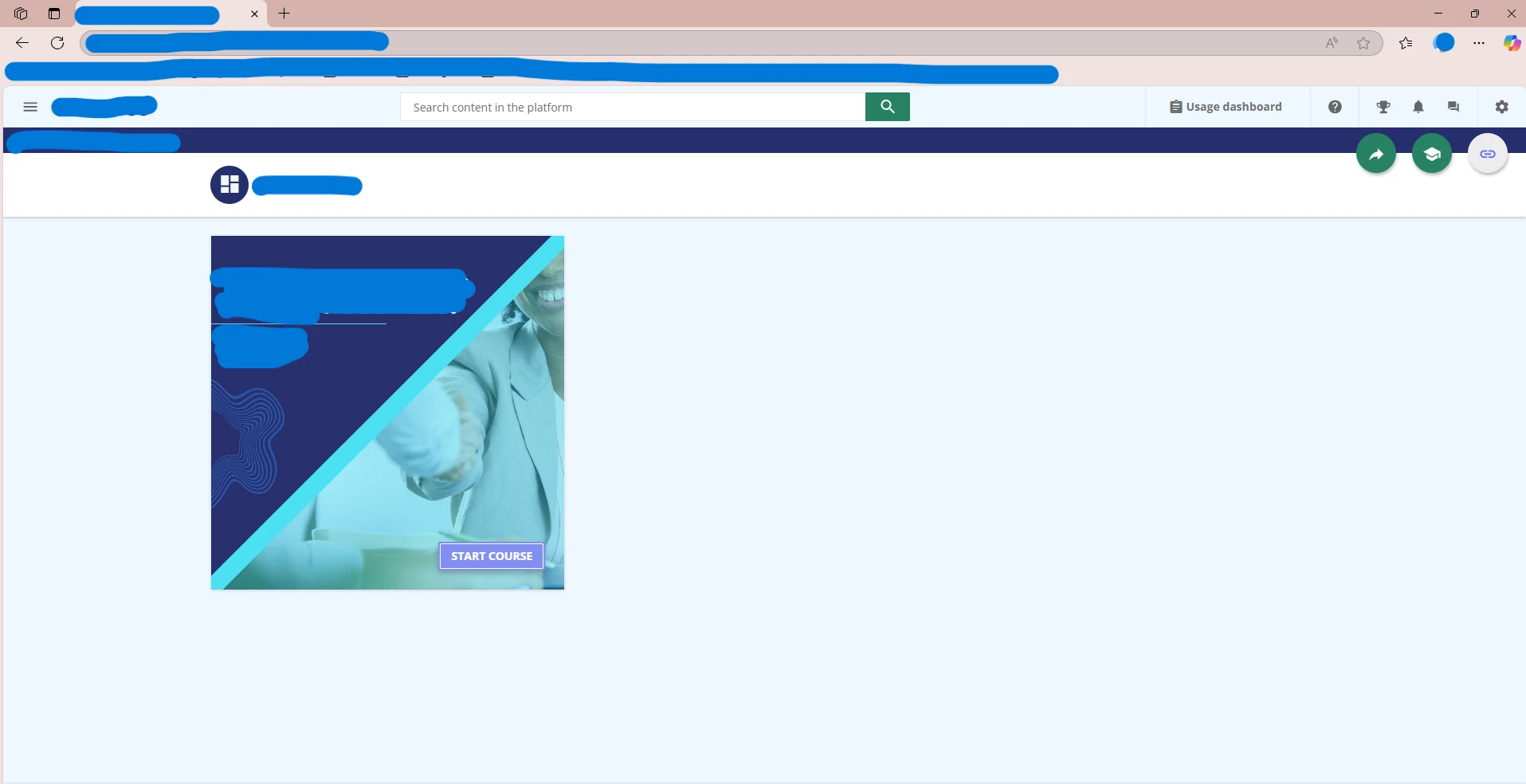
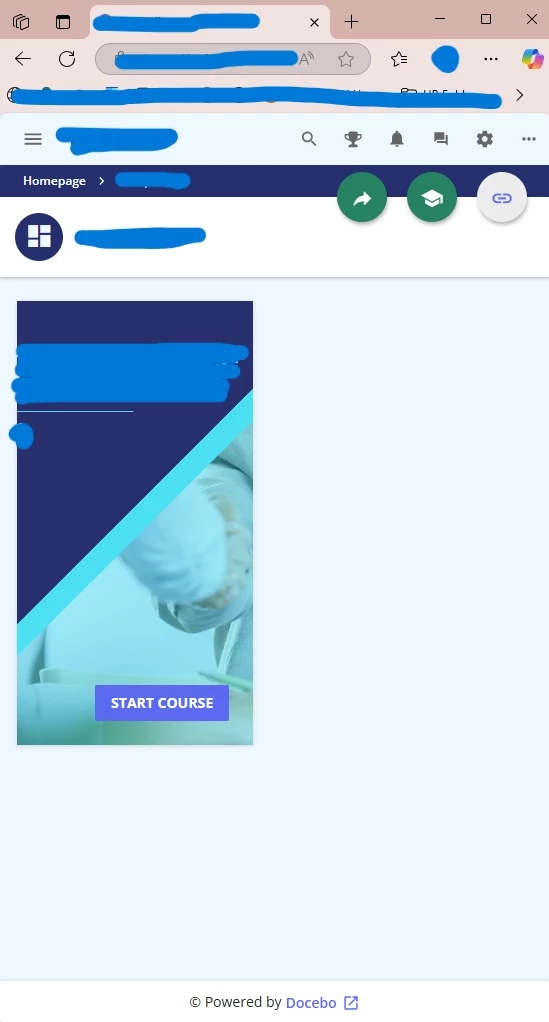
When the browser window is maximized, the course image appears correctly. However, when the browser is resized, part of the image gets cut off or doesn't adjust properly.

How can I ensure the entire image remains visible and responsive across different screen sizes or browser window adjustments? Is there a way to make the image scale or reposition automatically to fit the viewport?


When browser is maximized: 

When browser is resized:
 

Best answer by lrnlab

Are you using the custom content box widget or the image widget? If it’s the latter, you might to check the image size. I tired on some pages I have with both widgets and they seem to resize properly from 100% down to 30%

2 replies

lrnlab
Hero III
Forum|alt.badge.img+10
  • Hero III
  • Answer
  • May 15, 2025

Are you using the custom content box widget or the image widget? If it’s the latter, you might to check the image size. I tired on some pages I have with both widgets and they seem to resize properly from 100% down to 30%


  • Author
  • Novice I
  • May 16, 2025

You rock! I used image widget, and it solves this. The buttons are now resizing beautifully. :) 


Look: