Question

Sign in Options

  • July 8, 2022
  • 2 replies
  • 227 views

Good afternoon and happy Friday!


The login component on our portal is currently set to allow for username/email and SSO.  It looks like this:
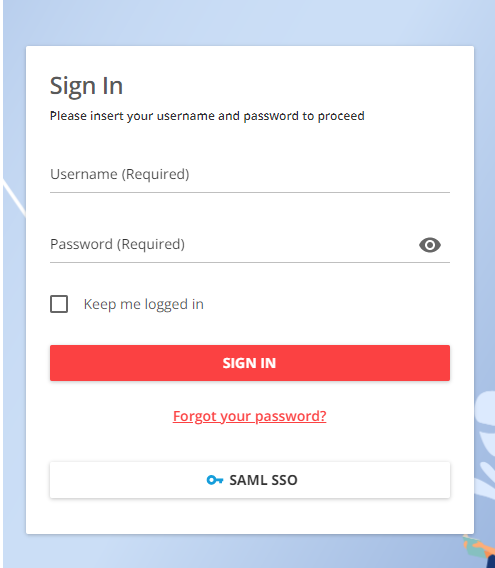
 

I’ve been searching for the setting that allows “sign in via email and password” so I can turn that off and have only the SSO login but can’t seem to locate it again.


Can anyone point me in the right direction?

Thanks!

2 replies

lrnlab
Hero III
Forum|alt.badge.img+10
  • Hero III
  • July 8, 2022

If you are on the enterprise plan, you find these settings under Extended Enterprise > Manage Settings > Choose the sub domain > SAML 2.0 Settings > SSO Behaviour.

Not sure if you are not on enterprise plan as I cannot see those options but would suspect it’s under Advanced Settings > SAML 2.0 Settings


pmo
Docebian
Forum|alt.badge.img+4
  • Docebian
  • July 8, 2022

By clicking the gear icon then SAML you can find a setting that makes the LMS redirect to your identity provider. That might be helpful.