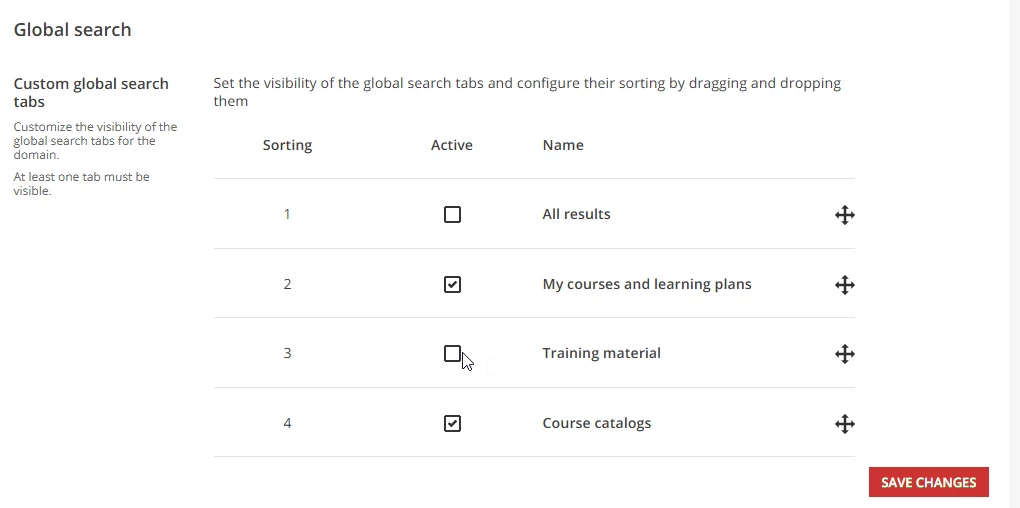
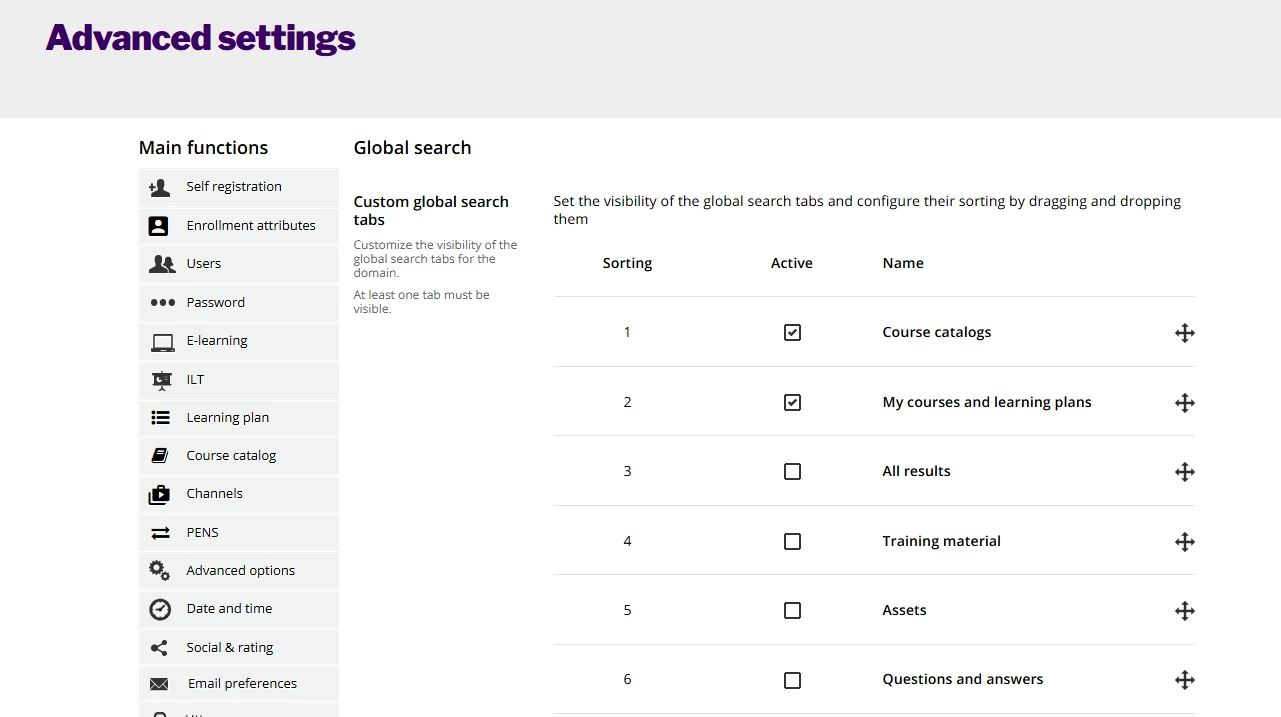
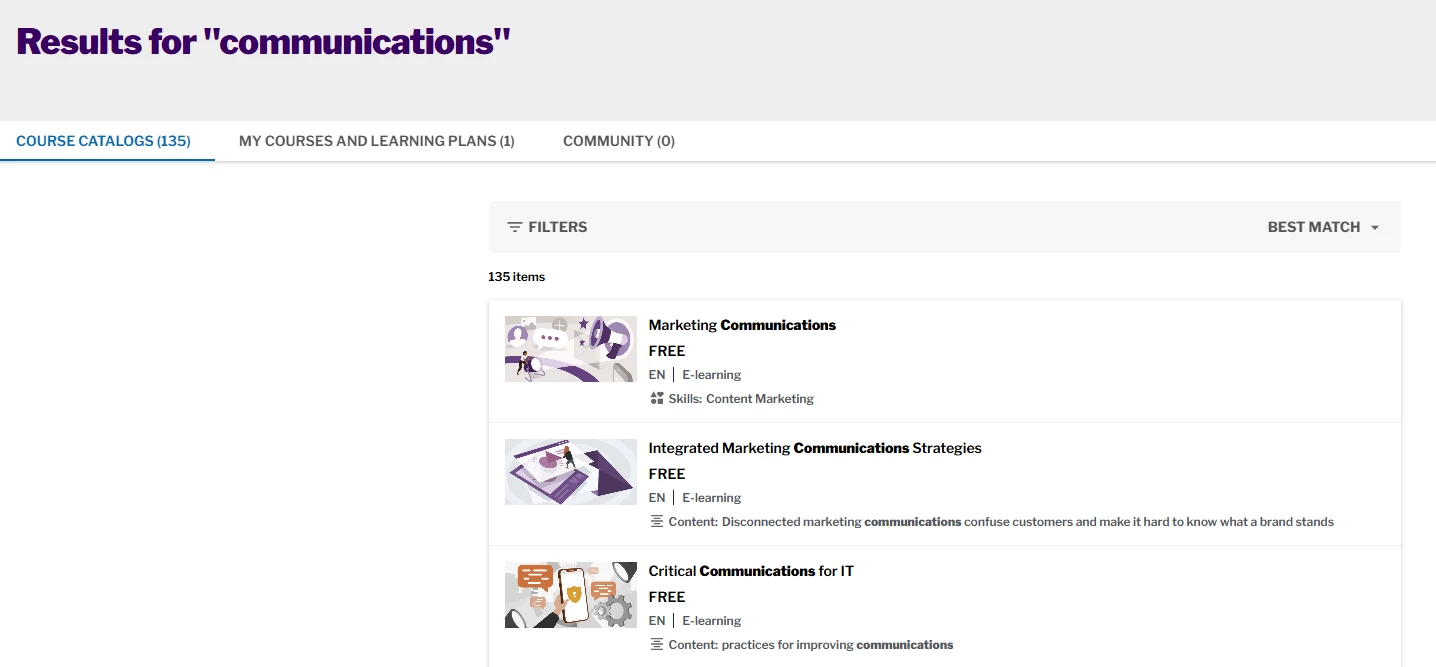
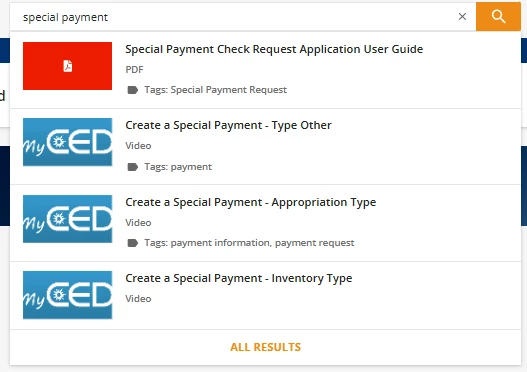
Is there a way to hide the drop down preview of results for the global search? It seems to populate with the “All Search Results”, which means that Training Materials and Assets are showing first, since they have the higher “weight” due to tags, which is causing frustration and confusion from our learners. On our global search page, we have switched the order of the tabs so the “All Results” isn’t the default, which addresses it for that page, but the search preview drop down is causing problems.
I couldn’t find a place in setup to disable this and didn’t see anything in Community about using CSS. I’m open to suggestions.
Thanks!