We sell courses through a public catalog and allow self-registration. Is there a way to automatically assign users to a default “Website Catalog” branch if they register without entering a branch code? For additional context, we also support self-registration for B2B clients. Those users are given a branch code during registration so they are automatically assigned to the correct branch.
Currently, users without a branch assignment are being placed in the top-level/root branch, which we’d like to avoid.
Thank you in advance!
Best answer by lrnlab
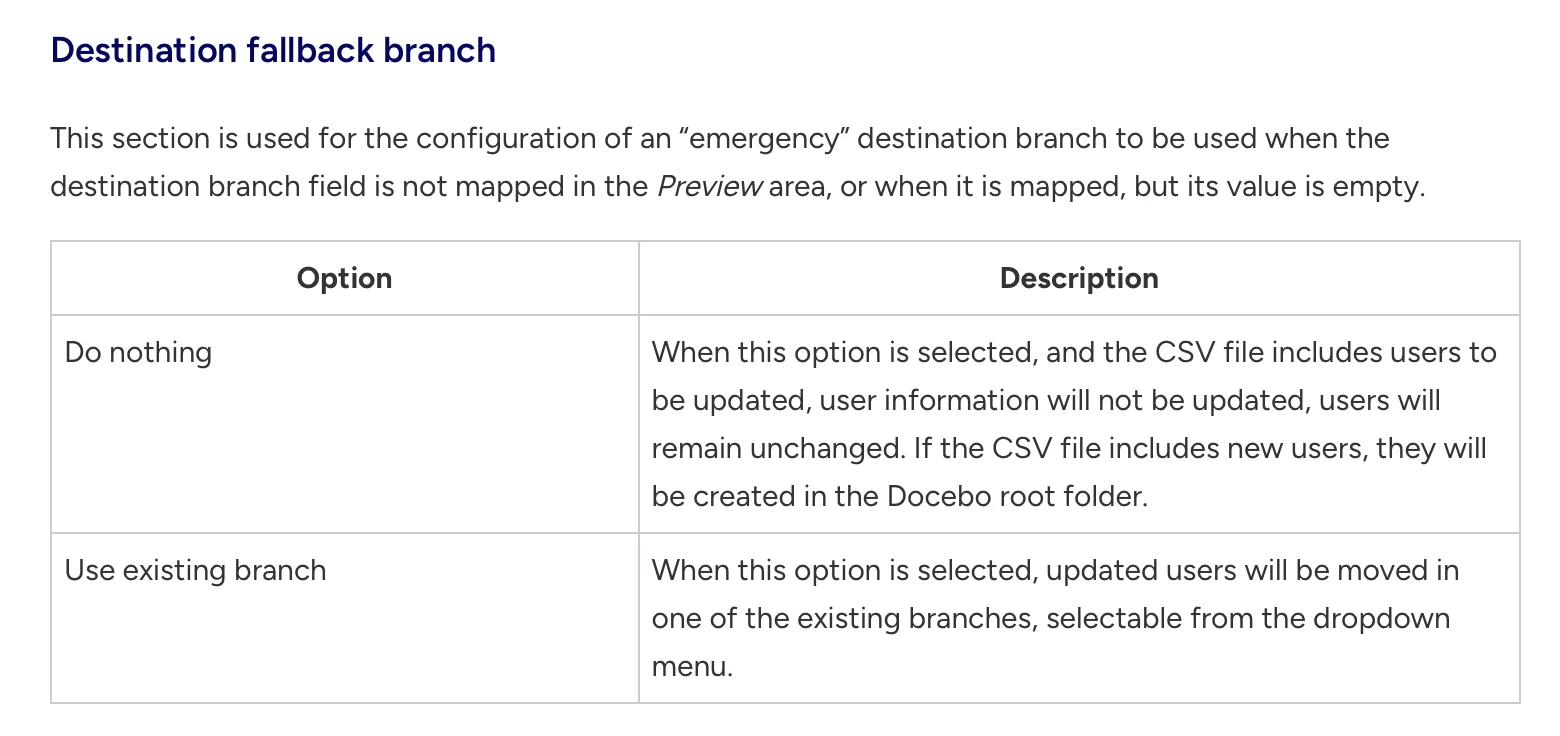
Actually I was asking how your user profiles are created. When you use an import tool to create your profiles, for example the CSV user import, you can select a “destination fallback branch”. This will place any user without a branch code in your import list, into that branch by default since it does not follow the rule stating that to place a user in a branch, you need both the branch name and branch code. This doesn't though for self-registration since a branch without a code cannot appear in the self-registration process.
Actually I was asking how your user profiles are created. When you use an import tool to create your profiles, for example the CSV user import, you can select a “destination fallback branch”. This will place any user without a branch code in your import list, into that branch by default since it does not follow the rule stating that to place a user in a branch, you need both the branch name and branch code. This doesn't though for self-registration since a branch without a code cannot appear in the self-registration process.
Thanks @lrnlab! For the use case above, this is specific to users self-registering. I’ll just leave them in the root branch until I can figure something else out. Users purchasing courses from our website catalog *should* be the only ones in that branch and not a sub-branch.