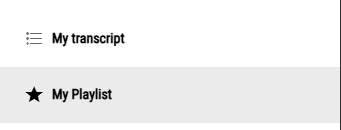
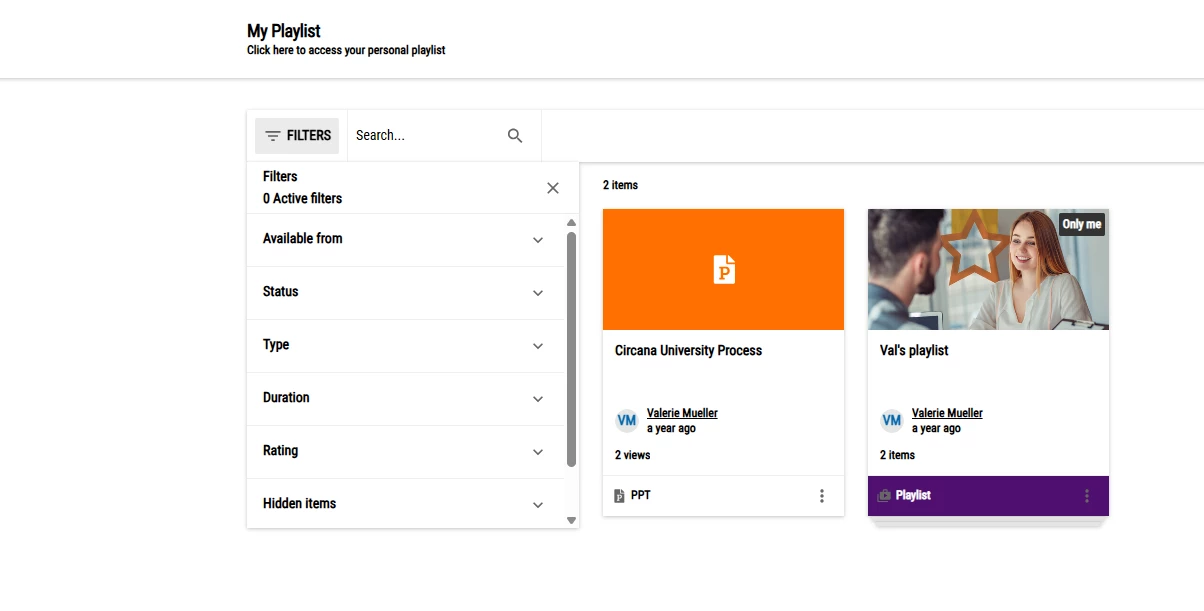
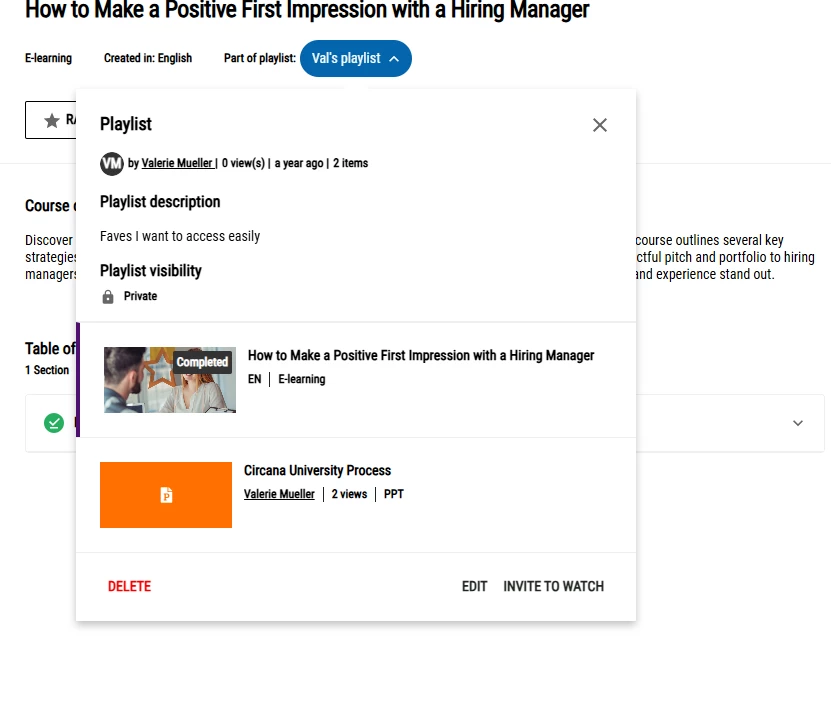
I have a scenario where individual users can create their own custom playlists. According to this article, they can only be edited by accessing from the course player. One issue - if the course is set as quick enrollment and doesn’t show the description/course title header (think a simple, single video lesson that doesn’t need a ton of extra details/clicks), the option to manage the playlist is not displayed.
If they want to edit all of their playlists or see them all in one place, it seems like the only way to do that would be to give them access to view and manage channels, as this would unlock the Assets tab. That feels like overkill, especially when we only give access to create and share playlists, not publish them to channels (which is only used for specific internal purposes)
Anybody have advice on how to surface the “edit” button for a playlist without having to access the course player or enable the course header on a quick enroll course?