
This Docebo Connect Check-Up List provides a clear, step-by-step methodology to effectively retrieve and review essential configuration details of their Connect recipes. The primary goal is to streamline the troubleshooting process by ensuring all critical settings are accurately documented and verified.
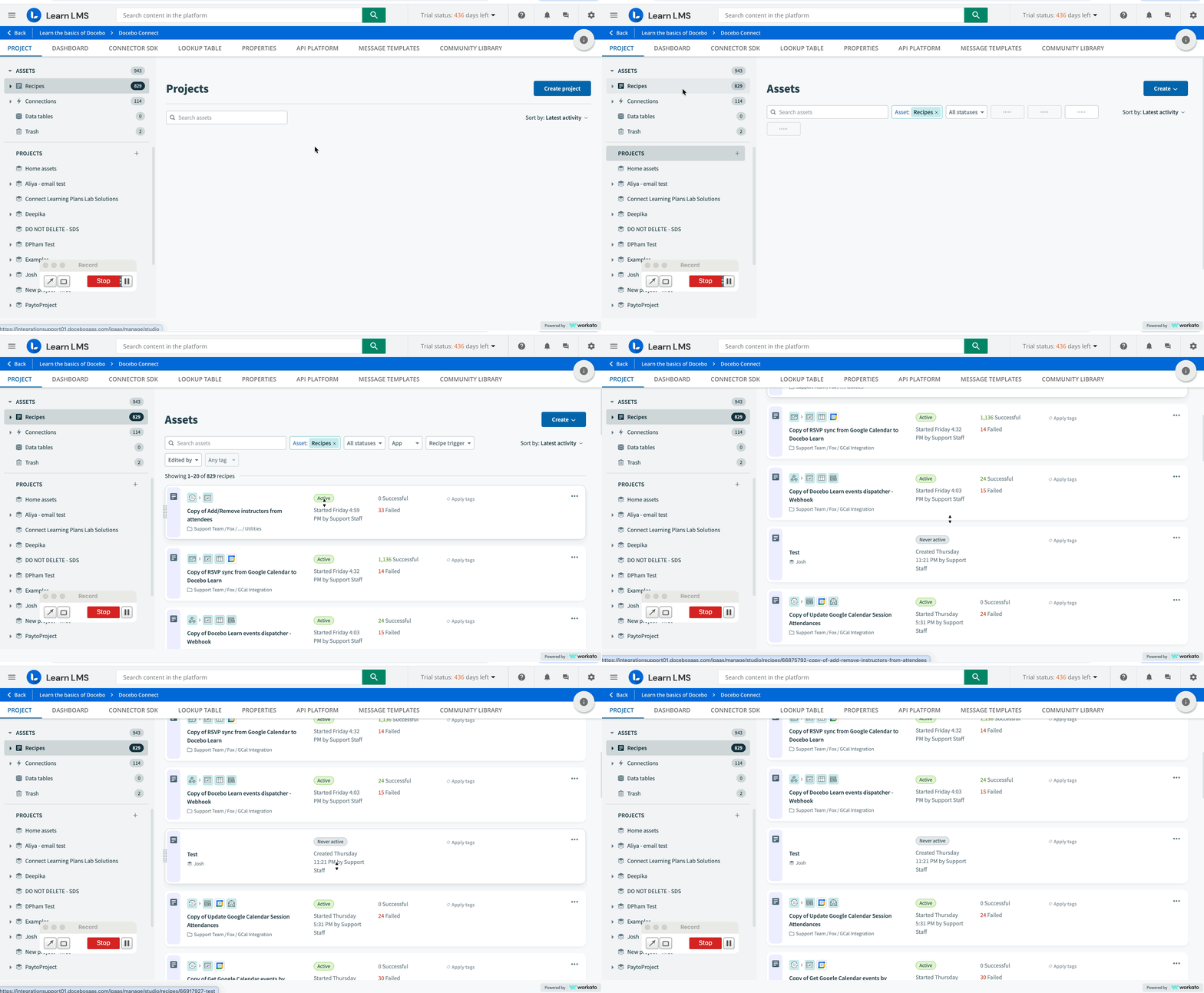
How to know if Connect Recipes are active?
- Navigate to the Admin menu> Docebo Connect >Manage
- On the right side menu, select “Recipes”
- In the Recipe, a green chip “Active” appears if the recipe is active
How to know if customizations have been applied to the recipe?
- Navigate to the Admin menu> Docebo Connect >Manage
- Select the recipe to be examined in one window
- Duplicate this window and select the original example recipe
- Compare them
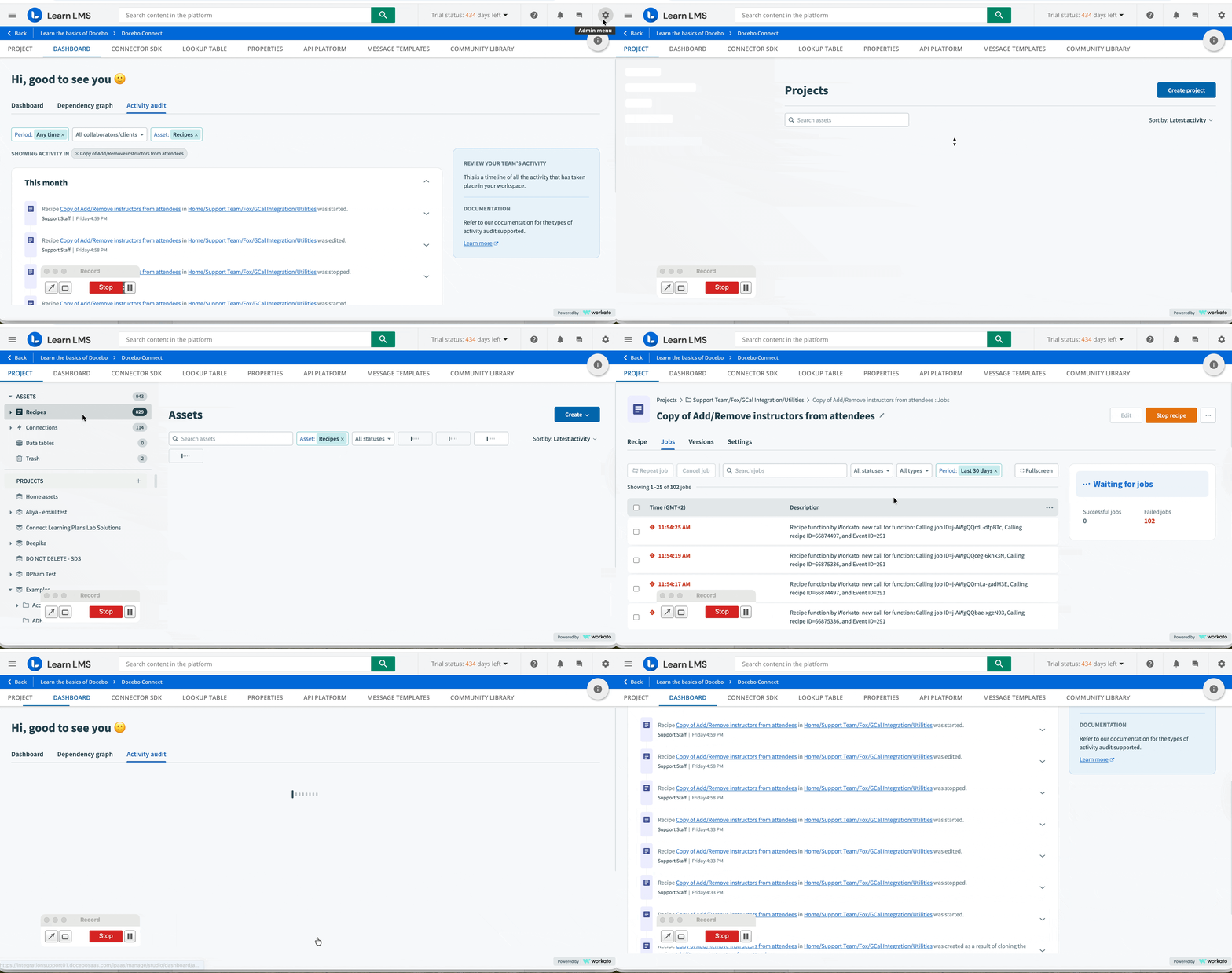
Have you made recent modifications to the recipe?
- Navigate to the Admin menu> Docebo Connect >Manage
- Select the recipe to be examined
- Click the "Settings" tab in the upper menu
- Locate the "Activity Audit" option and click the hyperlink to access the "Audit Log"
- View recent actions and changes in the "Audit Log"
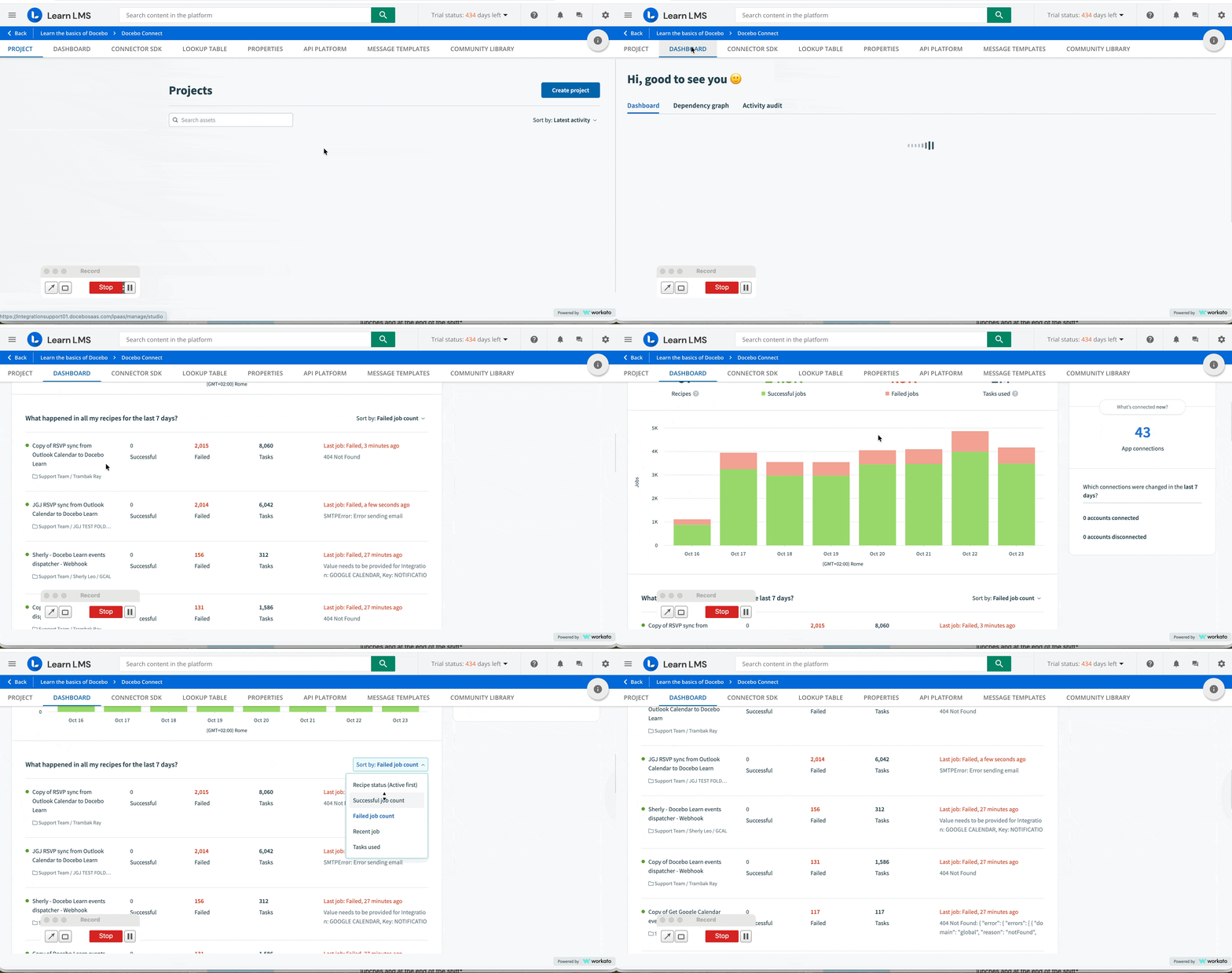
Are duplicated jobs for the same recipe?
- Navigate to the Admin menu> Docebo Connect >Manage
- Select the Dashboard tab
- Check Recent Jobs and search for duplicates
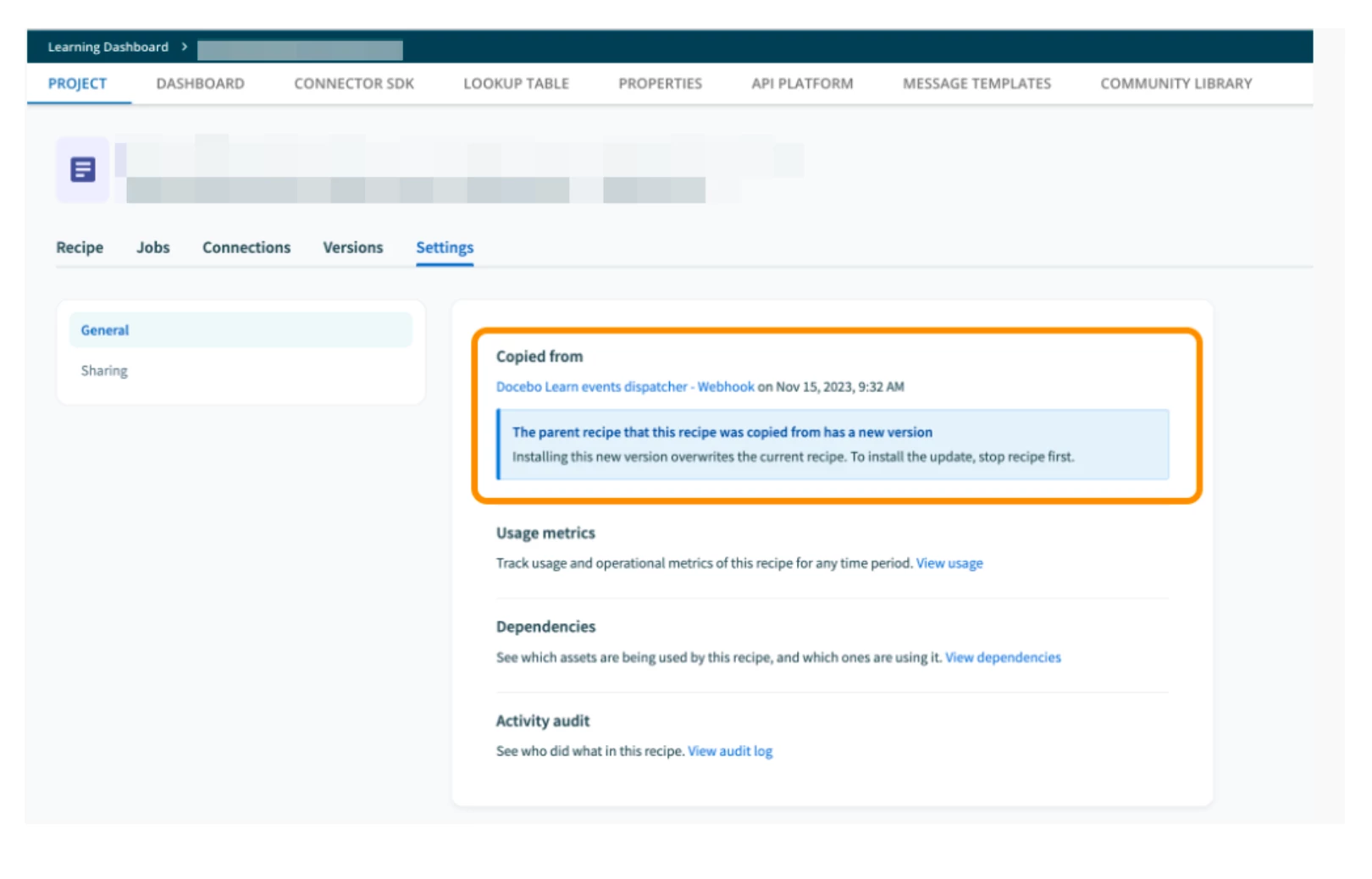
Have the templates been updated to the latest version?
- Navigate to the Admin menu> Docebo Connect >Manage
- Select the recipe to be examined
- Click the "Settings" tab in the upper menu
- Locate the "Copied From" option
- If an alert message about a new template version appears, it means the update has not yet occurred.
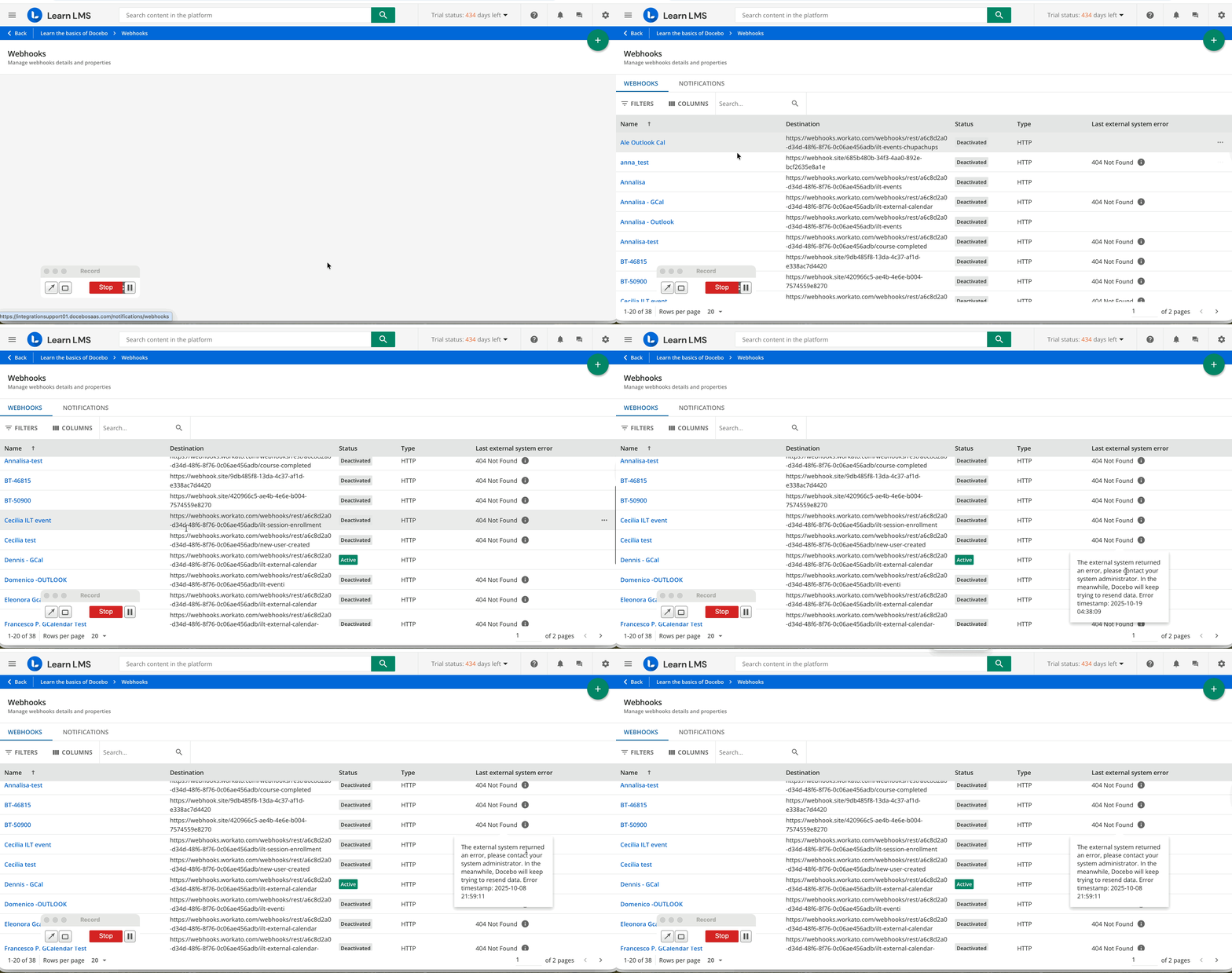
Are there active webhooks, and do they have any errors?
- Navigate to the Admin menu> Docebo Connect >Manage
- Validate the webhooks in the selected recipe
- Navigate to the Admin menu> Webhooks >Manage
- Locate the relevant webhook
- If an error is present, retrieve it