



Question

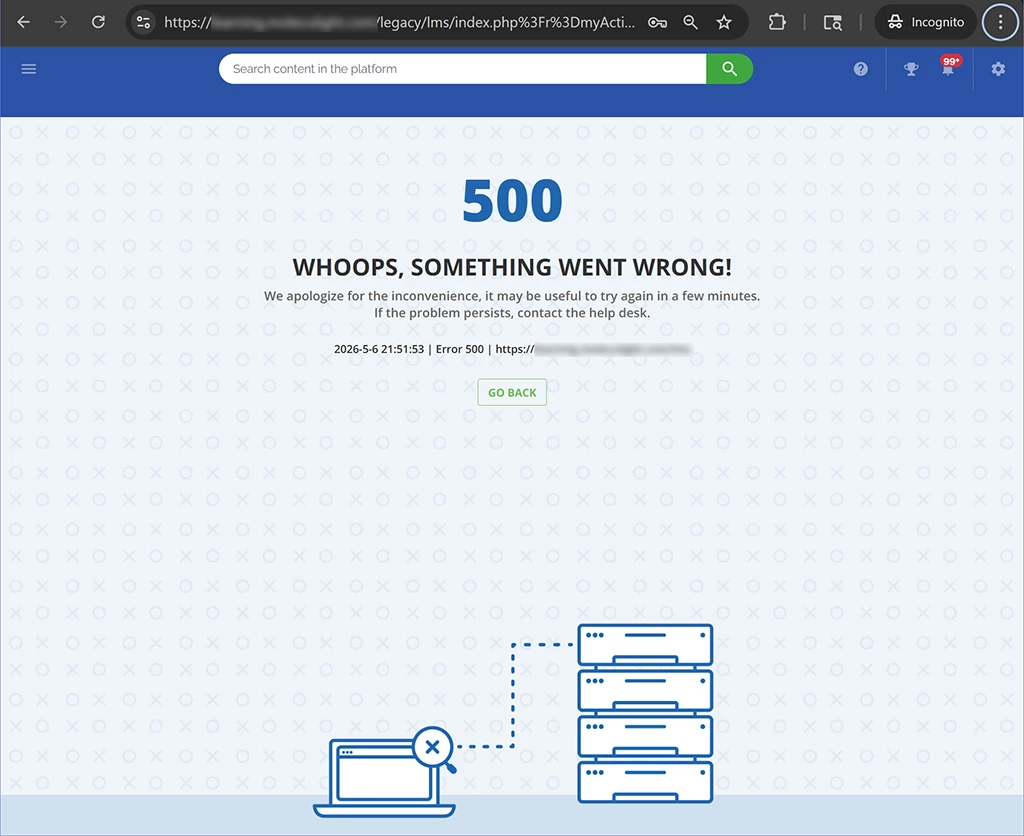
500 errors for all PU trying to access Learning plans tab from My Activities for all their assigned users

  • May 8, 2026
  • 2 replies
  • 17 views

We are having persistent 500 errors for all PU trying to access the Learning Plans tab through My Activities for every one of their assigned users. I’ve recorded videos demonstrating the errors picking random PU from our platform and random of their assigned users.
Is there anybody else experiencing those errors?
I cannot believe that Docebo support came back to me that it will be fixed after 1 week?!?!?! It was working before. It’s not a new feature - how can they just break Core functionalities to live platforms without any regard to paying customers?

2 replies

Moshe.Machlav
Helper III
Forum|alt.badge.img+1

Hi there,

I completely understand the frustration. When a core feature suddenly throws a 500 Internal Server Error in a live production environment, telling admins to "wait a week" for the patch cycle is a tough pill to swallow.

Since Support has confirmed this is a platform bug slated for an upcoming release, the goal right now is keeping your Power Users (PUs) operational until the fix is deployed.

Instead of having your PUs click into individual user profiles (and hitting the server error), you can bypass the broken UI entirely by giving them the exact same data in bulk.

The Workaround:

  1. Go to your New Custom Reports menu and create a Users – Learning plans report.

  2. Under the Filters tab, ensure it captures the relevant users and Learning Plans.

  3. Under the Properties tab, set the visibility of this report to your Power User profile(s).

This allows your PUs to immediately see the enrollment status, progression, and completion data for all their assigned users across all Learning Plans in a single view, completely sidestepping the broken "My Activities" tab.

When I've deployed Docebo for organizations with similar requirements, we typically route Power Users to these specific reports as their primary tracking method anyway, as it's far more efficient than clicking into users one by one.

You can reference the exact data points this report pulls in the documentation here: Available custom reports types – Docebo Help Center

Hang in there until the patch drops!


  • Author
  • Novice I
  • May 8, 2026

Hi there,

I appreciate your response, however it’s not a viable workaround for our Power Users affected by this Core functionality bug. We have 4200 users (MD doctors and nurses) on the platform and 5 different types of Power Users. The Power Users affected by those 500 errors are from the Customer Support team and they help 1 customer at a time. They are not interested in laggy New Reports system bulk Report - they want to go in the 1 place they can fast and easily see the user they are helping - what progress have in the Learning plan, download their Certificate for them if needed, see a Course they did not complete as part of that Learning plan that’s blocking their progress in the Learning Plan, see the user’s Additional fields ( License code, Access code...). They’ve been trained on this, we’ve been doing it for 6 years now and that’s the most efficient use of their time. The use of the Reports is not even in their tasks description because they have many other tasks to complete, not spend their whole day browsing the LMS.

I’ve created viable workaround for the affected Power Users, however this increased their response and resolve time and our customers are MD doctors and nurses which are impatient as they are very busy and with many sick people waiting for them.

Hi there,

I completely understand the frustration. When a core feature suddenly throws a 500 Internal Server Error in a live production environment, telling admins to "wait a week" for the patch cycle is a tough pill to swallow.

Since Support has confirmed this is a platform bug slated for an upcoming release, the goal right now is keeping your Power Users (PUs) operational until the fix is deployed.

Instead of having your PUs click into individual user profiles (and hitting the server error), you can bypass the broken UI entirely by giving them the exact same data in bulk.

The Workaround:

  1. Go to your New Custom Reports menu and create a Users – Learning plans report.

  2. Under the Filters tab, ensure it captures the relevant users and Learning Plans.

  3. Under the Properties tab, set the visibility of this report to your Power User profile(s).

This allows your PUs to immediately see the enrollment status, progression, and completion data for all their assigned users across all Learning Plans in a single view, completely sidestepping the broken "My Activities" tab.

When I've deployed Docebo for organizations with similar requirements, we typically route Power Users to these specific reports as their primary tracking method anyway, as it's far more efficient than clicking into users one by one.

You can reference the exact data points this report pulls in the documentation here: Available custom reports types – Docebo Help Center

Hang in there until the patch drops!

