Hi everyone,
I’m running into an issue with image buttons on a custom Docebo homepage and was wondering if anyone has experienced something similar.
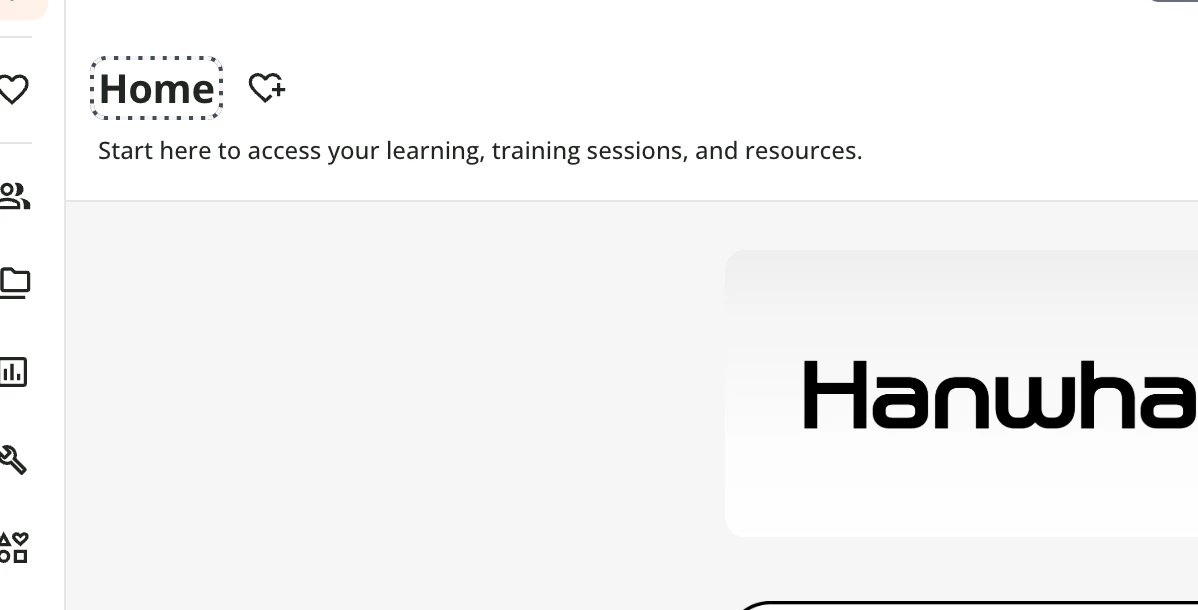
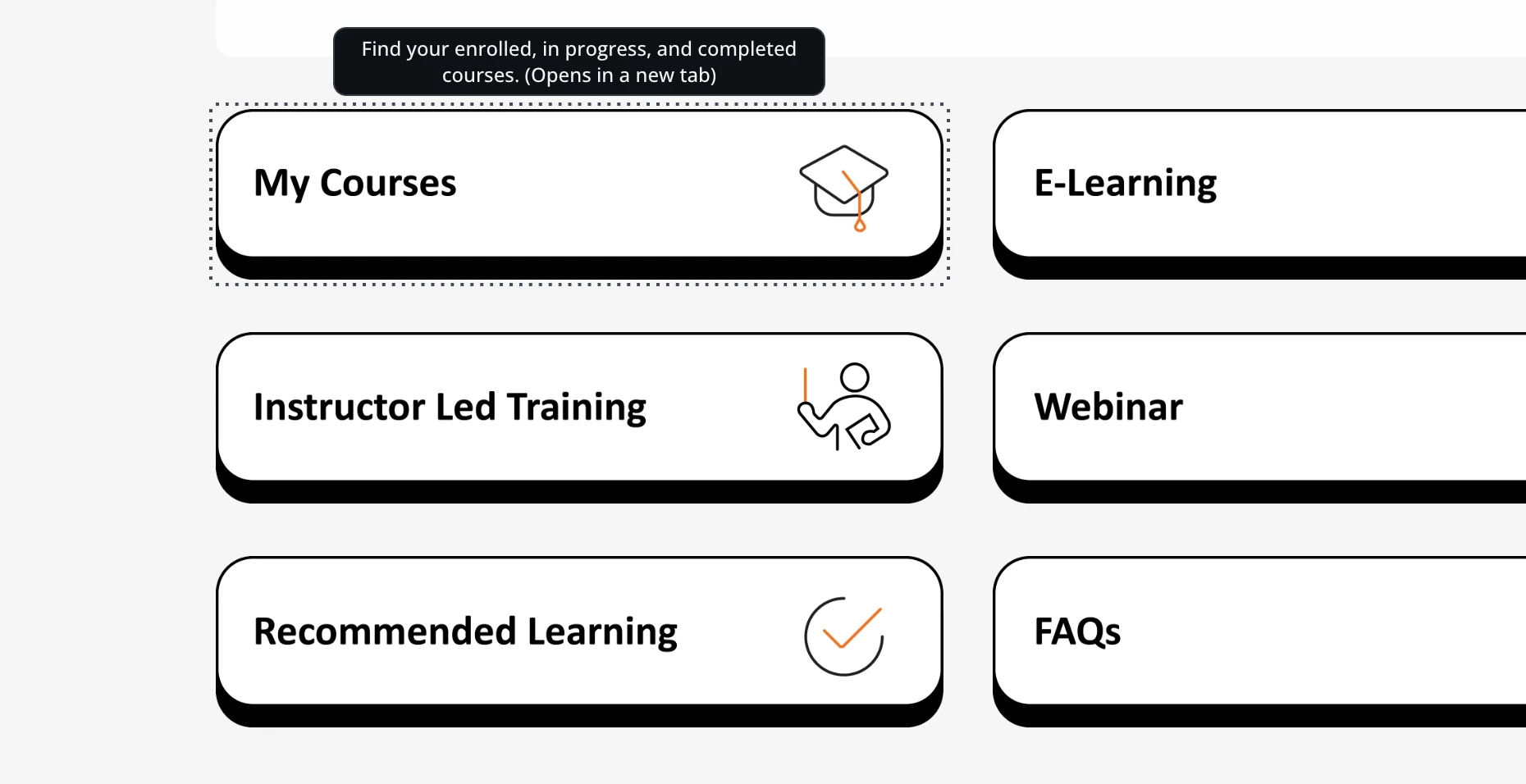
I created several image buttons on our homepage that link to other Docebo pages. The buttons work correctly, but after clicking one of the image buttons, a dotted “marching ants” outline appears around the image and remains visible when I return to the original page.
Some additional details:
- The dotted outline appears after clicking the image button (which opens the linked page in a new window/tab).
- When I return to the homepage, the image button is still highlighted.
- Clicking elsewhere on the page removes the outline.
- Right-clicking the image also causes the outline to appear.
- The outline follows the exact shape of the image.
- The issue occurs only on these clickable image widgets.
I inspected the HTML and noticed Docebo is rendering the image as an accessible link:
<img
class="image image-with-url ng-star-inserted"
role="link"
tabindex="0">
I have tried removing common CSS focus styles, including:
outline: nonebox-shadow: none:focus:focus-visible- targeting the image, widget, and container elements
but the dotted outline remains.
Does anyone know if this is a Docebo accessibility feature, Angular component behavior, or if there is a recommended way to customize/remove this focus indicator without affecting accessibility?
Thanks!