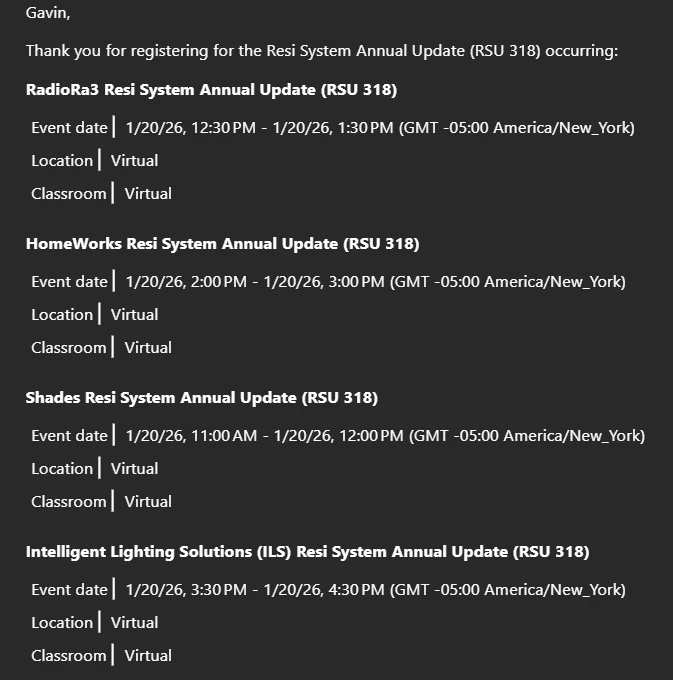

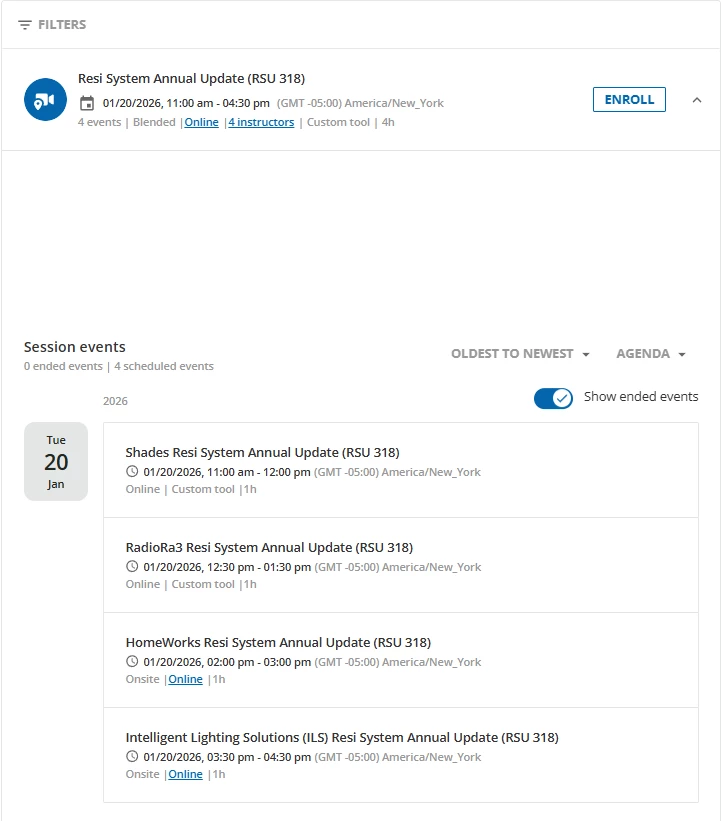
I’ve created an ILT with a single session, that contains 4 events. All of the events are on the same day, one after another at different times. On the course enrollment page, the events are listed in the correct order from top to bottom, with the earliest event at the top and the latest event at the bottom. When a user enrolls in the course, they receive a notification email with all 4 events listed, but they are in a seemingly random order.
(Course page, correct order):
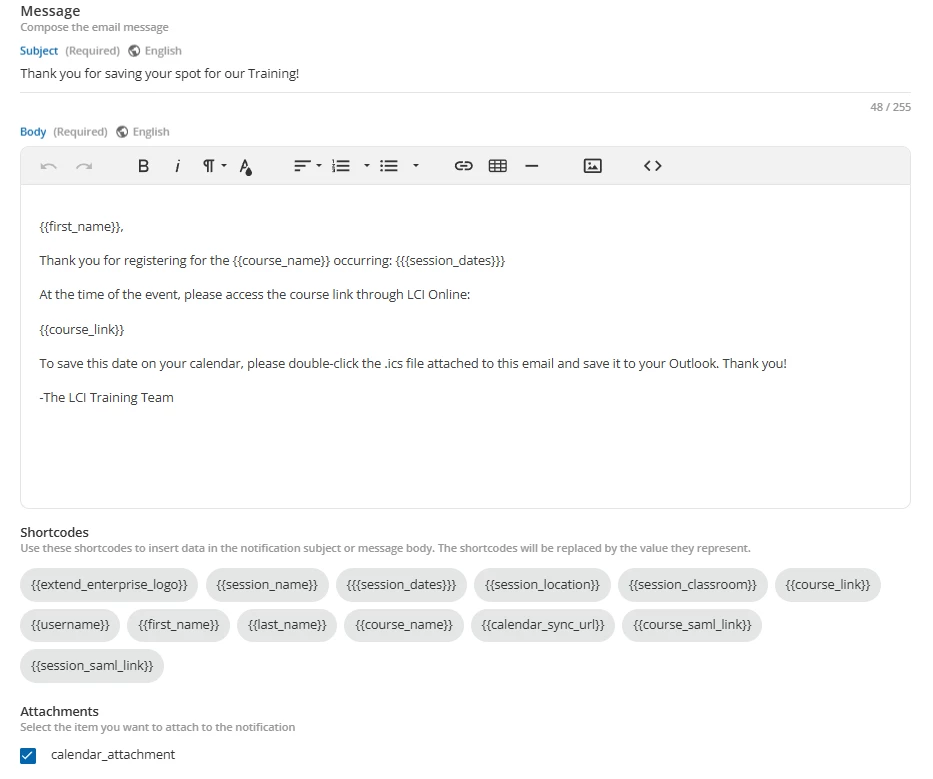
How can I edit the order of the events in the notification email? I am currently using shortcodes in my email, but I don’t see a way of editing this besides manually writing the notification without the use of shortcodes. Any ideas are appreciated!
(Notification layout):
(Notification email, incorrect order):