

Playlist Invite to Watch Button

  • September 15, 2026
  • 1 reply
  • 28 views

Hello - I’m new to managing playlists and would love some clarity.

  1. We do not allow users to upload assets. Is that why the Invite to View button is visible but not functional for them? What is the best way a user can share a playlist with others? Copy and paste URL into an email? Does a playlist need to be published to be shared/visible by others?
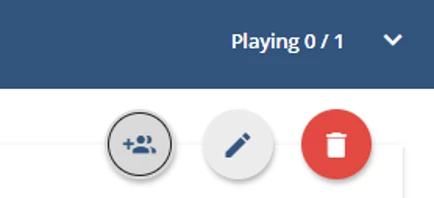
Invite to View button not functional
  1. Also, even though we have “allow users to create public playlists” enabled, we do not allow users to share content with any channels, so they cannot make their playlist public (our preference). My question is, is there a reason we shouldn’t disable “allow users to create public playlists” in the Social Learning settings? Does that setting affect any other areas?

Thank you for any help you can provide! :)

1 reply

Hi Vicki

The Invite to Watch button is controlled by the platform’s sharing permissions, so the issue is not necessarily related to users being unable to upload assets. With “Share content with channels only” enabled, users can invite people who can see a channel where the playlist is shared. If the playlist is not shared to a channel, there may simply be no eligible recipients.

Private playlists can still be shared through Invite to Watch when permitted. Copying and emailing the URL won’t bypass visibility permissions, and public playlists need to be published to a channel for channel members to see them.

Since you don’t want users publishing playlists to channels, it should be fine to disable “Allow users to create public playlists.” That setting controls playlist visibility and does not affect asset-upload permissions. Users can still create private playlists and invite specific people, subject to your sharing-permission settings.