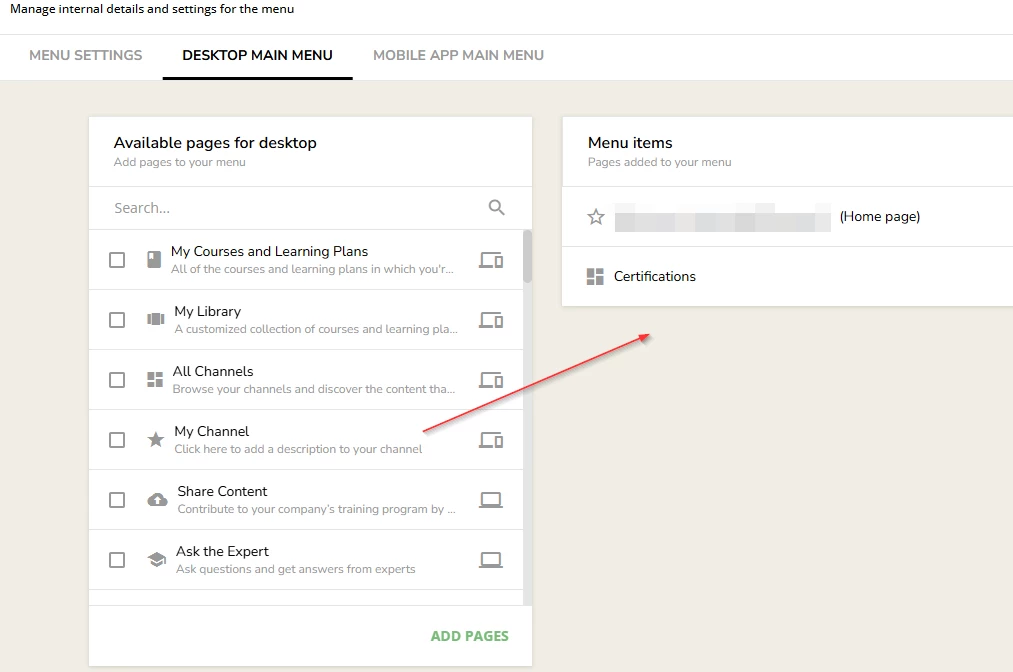
User cannot access a page. Access denied.

  • October 7, 2026
  • 4 replies
  • 15 views

We have just setup a new menu and some pages to display courses in a catalogue.

As a super user we can:

See the catalogue name in the menu and click on it.

The main page is displayed offering the main categories. Only one at the moment as we are testing it.
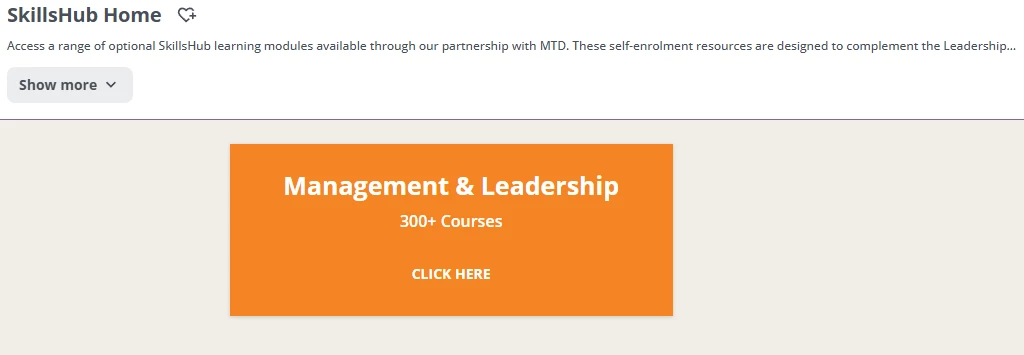
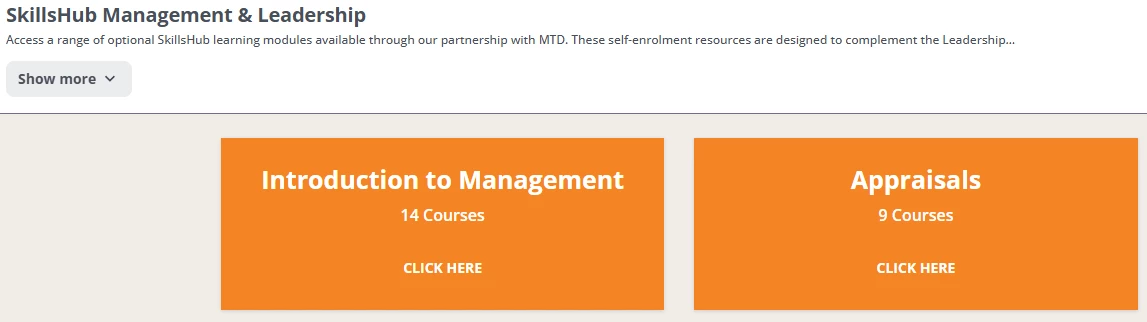
Click on CLICK HERE and our sub page is displayed as expected.
However, when we log on as a user, we can see the menu and click on it and get the first page.
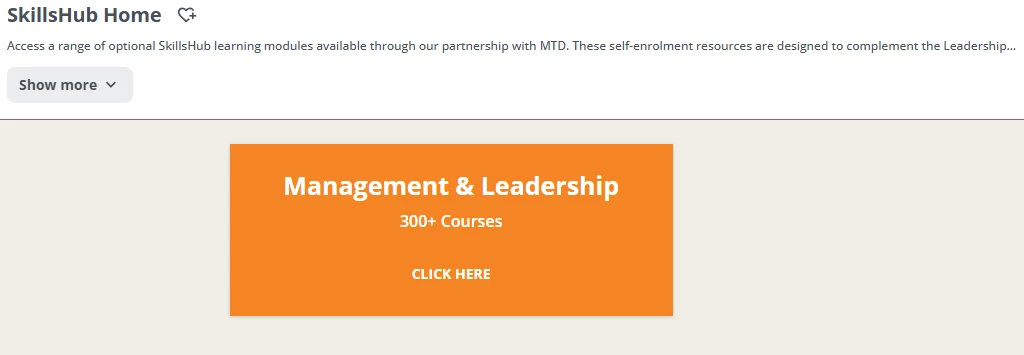
But when we click CLICK HERE, we get an access denied message?
What are we missing?


 

4 replies

Dominik
Helper I
Forum|alt.badge.img+1
  • Helper I
  • October 7, 2026

Hi ​@Caffeine11,

My first guess would be: Have you added the subpage to Menu the user has access to? This happended to me as well in the past. I created a page and realized later that I forgot to add it to the Menu.


  • Author
  • Newcomer
  • October 7, 2026

Thank you for taking the time to reply.

Are you saying that if I have the following:

Main Page ---> Sub Page 1

I cannot put Main Page on the menu and the user click a widget on Main Page to get to Sub Page 1.

I have to put Main Page 1 and Sub Page 1 on the same menu?

We want the users to browse down to the courses, not have a lot of individual entries in the menu.

We want this:

Menu

Item 1
Item 2
Main Page

not

Menu

Item 1
Item 2
Main Page
Sub Page 1
Sub Page 2
Sub Page 3
etc.


Forum|alt.badge.img+6
  • Helper III
  • October 7, 2026

​@Caffeine11 it doesn’t have to be part of their actual menu, just one they can access.  I have a menu called “Hidden Pages” that’s visible to all users but is at the very bottom of the menu list so no one will ever get it as their default menu.  That’s where pages like these would go.


  • Novice I
  • October 7, 2026

I believe you can create an additional menu or a “hidden/ catchall menu” which can house your subpages. The menu list has sort of a hierarchy. If users are assigned to multiple menus, the first menu in the menu list takes priority and will be displayed as the main menu when they log in. They will still be able to access pages that belong to the other menus they’re assigned to, but these menus won’t appear as their primary menu when they navigate the platform.

Here’s an existing post on this topic which might explain it a little better: