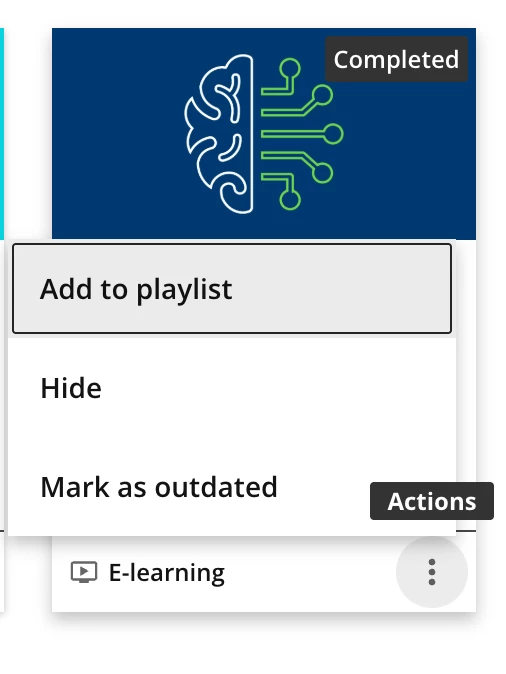


How to Remove "Mark as Outdated" and "Invite to Watch" Options from Ellipses Menu

  • October 1, 2026
  • 2 replies
  • 38 views

hailey.gebhart
Helper III
Forum|alt.badge.img+1

Hello!


We are trying to remove the “invite to watch” and “mark as outdated” options when you click the elapses menu on an asset in a channel (and other places these options might exist). I was able to remove the large invite to watch button when you click into an asset, but these menu options appear more complex. Any advice would be appreciated!
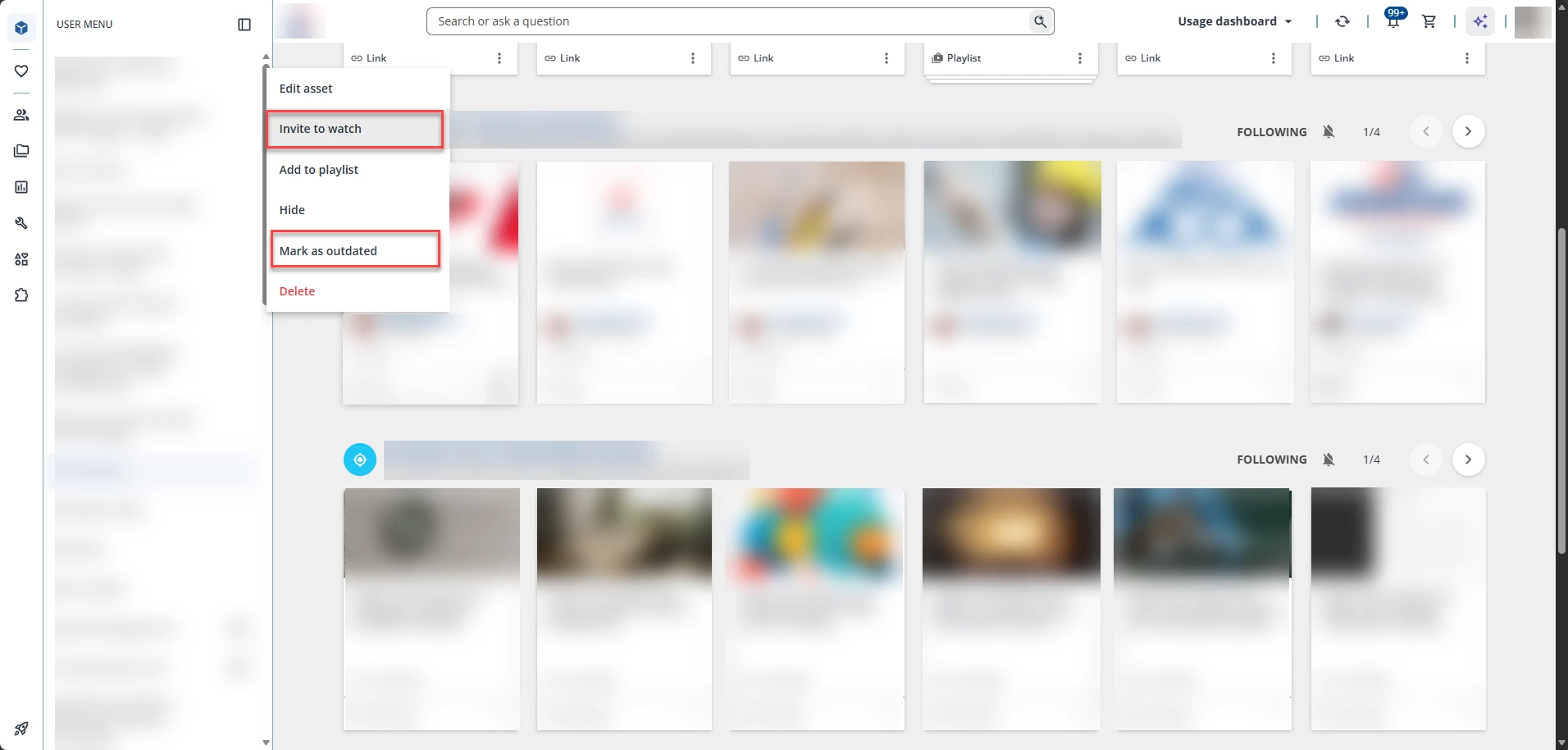


I think some of the complication comes from the list items not being consistent across the board but let me know what we can do to mitigate clicks. I also attempted to add one of the previous CSS blocks that removes permissions from the sidebar, but that did not work for us. 


Thank you!
Hailey Gebhart

2 replies

Forum|alt.badge.img+1

Do you need any of the other options from the 3 dots? We didn’t need them so we just hid the 3 dots all together.


Forum|alt.badge.img+1
  • Helper II
  • October 2, 2026

It’s been years since I did this but this is the CSS I used to hide some of the other items, as we didn’t want people using the Coach & Share features:

/*Hide Add to Playlist from Course Pages*/
lrn-widget-content-overview-header.ng-star-inserted .dcb-content-overview-header-add-to-playlist { display: none; }
/*Hide "Add to Playlist" in Actions menu*/
doc-widget-my-courses-and-learning-plans ui-card-footer.ui-card-footer { display: none; }
/*Hide "Add to Playlist" in Actions menu */
doc-layout-action-buttons button[aria-label="Add to Playlist"] { display: none; }

Result: