Question

Is there a way to view Docebo in dark mode?

  • July 31, 2026
  • 3 replies
  • 52 views

Diane Jacobi

Is there anyway in the system to toggle to a dark mode?

Thank you!

~Diane Jacobi

3 replies

Hi Diane,


Ciaran here from Docebo Support.

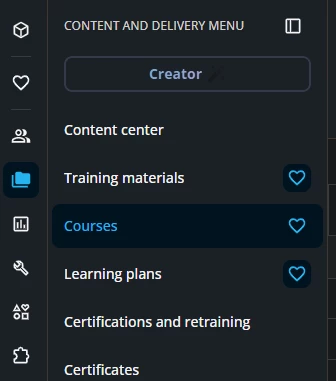
If you are referring to your Docebo platform, there isn’t currently a built-in dark-mode toggle for the full learner/admin interface. The native dark/light setting is limited to the Course Player, which an admin can configure in Configure branding and look.


For Docebo’s public sites, like the Community and Help Center, I’m not aware of a native dark-mode toggle. Chrome dark mode extensions may be a workaround, but they may not affect every element consistently.


Dominik
Helper I
Forum|alt.badge.img+1
  • Helper I
  • September 28, 2026

Hi ​@Diane Jacobi,

As an alternative, and if your company allows it, you could use a free browser extension such as Dark Reader to enable a dark mode experience. Of course, this would not be a global setting and would only apply locally on your computer.

Dark Reader, for example, is an approved extension within our company and can be installed by all employees.


Dominik
Helper I
Forum|alt.badge.img+1
  • Helper I
  • September 28, 2026

It's me again 😊

This is a great idea! I checked the Community and couldn't find an existing feature request for it (although I may have missed one, so please merge this if a similar request already exists).

In the meantime, I've created one:

Native Dark Mode for Docebo | Community