Question

Is there a way to increase the screen size in a test in the central repository?

  • December 1, 2025
  • 5 replies
  • 25 views

Forum|alt.badge.img+2

Hi,


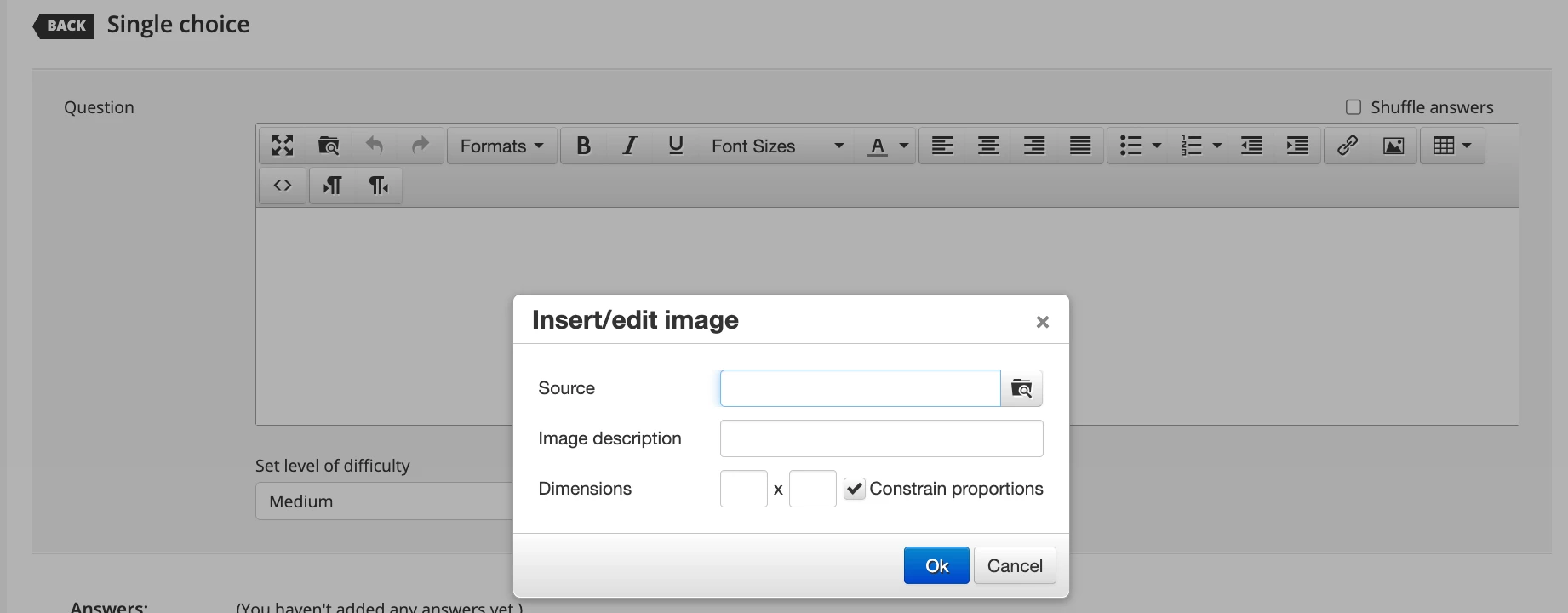
I am creating a test in the central repository and one of the questions has a technical image with code that the student will have to review to answer the question. When you look at the question, the code is hard to read,even if I increase the image size. I know you can do CTRL + to manually increase the size but is there a way to make the screen size bigger so they dont have to do this? Is there a setting that I can use to make this image easier for them to view?


5 replies

lrnlab
Hero III
Forum|alt.badge.img+10
  • Hero III
  • December 1, 2025

you should be able to adjust the image size when you load it or edit it, if that can help.


Forum|alt.badge.img+2
  • Author
  • Contributor III
  • December 2, 2025

Hi,

I have done that already but the image is still not really readable. If there is no other way to increase the size then I will go with what I have now.


Thanks,


lrnlab
Hero III
Forum|alt.badge.img+10
  • Hero III
  • December 2, 2025

If you can load the image to your S3 space, you could try using the url to open it in a new window which might be better.

Here’s an idea you can vote up:

https://community.docebo.com/ideas/images%2Din%2Dexam%2Dquestion%2D12625


dklinger
Hero III
Forum|alt.badge.img+11
  • Hero III
  • December 2, 2025

@BWeschke - hi - the further answer is sort of?

Short answer - iFrames do not play nice. We have to look outside of the iFrame for a solution. From our colleague ​@gstager earlier this year with me. 

One might try this and see if it is adequate.
If you can adjust the css in the branding portion of your instance then you may have a little bit of luck.
/** Begin Expand Repository Preview Window **/

#doc-layout-main > doc-layout-dialogs > ui-dialog > div.ui-dialog-content.ui-dialog-size-lg.is-visible {

width: 100%;

}

/** End Expand Repository Preview Window **/


Forum|alt.badge.img+2
  • Author
  • Contributor III
  • December 2, 2025

Hi IrnLab,


I did excelty this, I added a link that opens in a new window. I also voted on the idea as well, thanks for letting me know about that one.